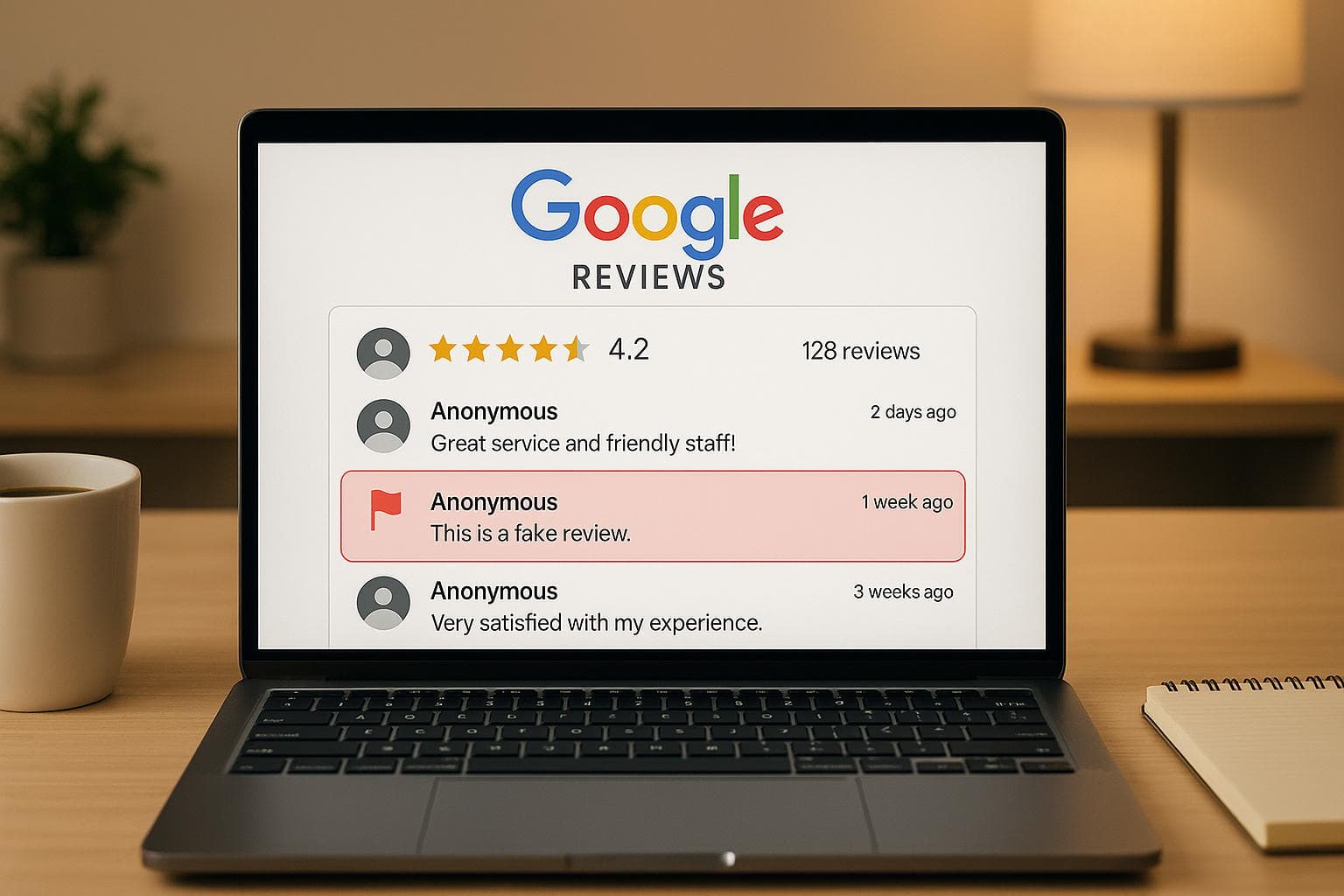
Fake reviews can damage your business's reputation and customer trust. Google's 2025 update simplifies the process of reporting fraudulent reviews with advanced AI tools and a better dashboard. Here's what you need to know:
- Types of Fake Reviews: Spam, competitor attacks, misrepresentation, conflicts of interest, off-topic content, and incentivized reviews.
- How to Spot Fake Reviews: Look for generic language, suspicious account activity, timing anomalies, mismatched details, and recycled content.
- Steps to Report:
- Flag the review via Google Maps or the Reviews Management Tool.
- Select the correct violation type (e.g., spam, conflict of interest).
- Submit evidence (screenshots, transaction records, timelines).
- Track Progress: Use the updated dashboard to monitor the status of your report.
- Contact Support: Escalate unresolved issues or errors directly to Google.
How to Report Fake Reviews on Google and Clean Up Your Profile #shorts
Google's Review Policies Explained
Understanding Google's review policies is your first line of defense against fake reviews. By familiarizing yourself with these rules, you’ll be better equipped to identify and report violations. This knowledge not only simplifies the process of building a case for review removal but also ensures you stay compliant. Let’s dive into the specific types of reviews Google flags as fake.
Google frequently updates its policies, and the 2025 refinements now provide more precise guidelines to combat fraudulent activity.
What Counts as a Fake Review
Google identifies several types of reviews that violate its policies. Here’s a breakdown of the most common offenders:
- Spam reviews: These are generic comments that could apply to any business, such as "Great service!" or "Highly recommend!" without specific details about the experience. These reviews lack authenticity and context.
- Competitor or fake account reviews: These include feedback left by rivals looking to harm your reputation or by fake profiles created solely to post fraudulent reviews. Google's AI is trained to detect patterns, such as unusual account activity or suspicious review timing, which often signal coordinated fake campaigns.
- Identity misrepresentation: This happens when someone pretends to be someone else or claims experiences they never had. For example, former employees posing as customers or individuals claiming to visit your business despite location data proving otherwise.
- Conflict of interest reviews: These come from people with a vested interest, like current or former employees, competitors, or others connected to your business. Transparency is key, and undisclosed relationships violate Google’s guidelines.
- Off-topic content: Reviews that focus on unrelated issues, such as political opinions, personal disputes, or social commentary, rather than the actual business experience, fall into this category. Content containing hate speech, profanity, or personal attacks is also prohibited and removed when flagged.
- Incentivized reviews: Offering payments, discounts, or other perks in exchange for positive feedback breaches Google’s authenticity rules. This includes reviews obtained through paid services or loyalty programs that reward favorable comments.
Understanding these categories helps you identify and report violations more effectively.
Why Knowing the Policies Helps
Knowing Google’s policies can make the review removal process much smoother and more efficient. When you report a review and reference specific guideline violations, it’s easier for Google’s team to verify and act on your claim. This targeted approach eliminates unnecessary delays and shows that you understand the platform’s standards.
It also helps you differentiate between fake reviews and legitimate negative feedback. Not every bad review qualifies for removal, even if it feels unfair. Google prioritizes protecting genuine customer opinions, as long as they follow the rules. Recognizing this distinction saves you time and frustration by avoiding unsuccessful reports.
By citing specific policy violations in your reports, you can build stronger cases. Instead of simply labeling a review as "fake", you can point out exactly how it breaches guidelines, such as spam or misrepresentation. This level of detail provides Google with clear reasons to take action.
Additionally, understanding the policies allows you to spot patterns in fake review attacks. Recognizing the hallmarks of fraudulent activity early on lets you report multiple violations at once, often leading to quicker resolutions and better protection for your business’s reputation.
Finally, staying updated on policy changes ensures your reporting strategy remains effective. For instance, Google’s 2025 updates introduced new violation categories and enforcement procedures. Businesses that adapt to these changes typically see faster and more successful outcomes than those relying on outdated methods.
How to Find and Document Fake Reviews
Spotting fake reviews requires a careful and systematic approach. The trick lies in knowing what warning signs to look for and collecting solid evidence before submitting your report to Google. Proper preparation increases the chances of getting those reviews removed and helps protect your business's reputation. With Google's updated tools, documenting your findings thoroughly is more important than ever.
Red Flags That Indicate Fake Reviews
Generic language patterns are a big giveaway. Fake reviews often use vague phrases and lack specific details. Genuine customers typically mention particular products, dates of visits, or even interactions with specific staff members.
Account activity anomalies can also raise suspicion. Look for profiles with little to no activity history or those without profile pictures. Be cautious if an account seems to focus exclusively on businesses in your industry or area - this could indicate a coordinated effort.
Timing irregularities are another red flag. If multiple reviews appear in quick succession, especially during odd hours, it might point to automated or coordinated activity. Similarly, a sudden surge in negative reviews after a positive milestone for your business could indicate foul play.
Language and location mismatches are clear signs of fraud. For instance, reviews written in poor English for a U.S.-based business or ones referencing services you don’t even offer are strong indicators of inauthenticity.
Emotional extremes without substance are often a telltale sign. Over-the-top praise or harsh criticism without specific details tends to suggest a fake review. Authentic negative reviews usually highlight particular issues rather than resorting to sweeping accusations.
Review content recycling is another common tactic. If you suspect a review is fake, search for its content online. Identical reviews appearing across multiple listings often point to template-based fake review services.
Once you’ve identified these warning signs, the next step is gathering and organizing your evidence.
Gathering Evidence for Your Report
Screenshot documentation is your starting point. Take clear screenshots of the review, making sure to capture the reviewer's name, date, rating, and the full text. Use built-in screenshot tools or browser extensions to ensure quality.
Transaction record verification is another useful method. Check your records to see if the reviewer was an actual customer. If no matching transaction exists, it strengthens your case. Be sure to document this process with screenshots from your customer management system.
Timeline analysis can help uncover patterns. Compare the timing of suspicious reviews to significant business events, like a recent promotion or positive press coverage. If fake reviews cluster around these moments, it could indicate retaliation or coordinated attacks.
IP address and device information can sometimes provide additional clues. While Google Reviews doesn’t give you access to this data, your website analytics or customer WiFi logs might reveal suspicious activity that aligns with the timing of fake reviews. Document these findings if available.
Communication records can also be useful. If you've received threats or suspicious messages from competitors or disgruntled individuals, save those emails, texts, or social media interactions. They can help explain the motivation behind fake reviews.
Business verification documents are essential for establishing your credibility. Keep copies of your business license, Google My Business verification, and other official documents handy. These can be critical if your case escalates to an appeal.
To streamline the process, organize all your evidence in a well-labeled folder. Clearly name files with dates and review details to make them easy to reference. This level of organization not only saves time but ensures you present a strong case when using Google's updated reporting tools.
How to Report a Fake Google Review: Complete Steps
Once you've gathered your evidence, it's time to report the fake review using Google's updated 2025 system. Here's a step-by-step guide to help you navigate the process and protect your online reputation.
Find and Flag the Review
There are two main ways to flag a fake review:
Option 1: Use Google Maps or Google Search
Start by opening Google Maps or searching for your business name on Google. Locate your business profile, scroll to the reviews section, and find the review you want to report. Next to the review text, click the three-dot menu (or "More" option), and select "Flag as inappropriate" from the dropdown menu.
Option 2: Use the Reviews Management Tool
Log in to your Google Business Profile account. From your dashboard, access the Reviews Management Tool. Ensure the email address matches the one associated with your business. If you manage multiple locations, select the correct business, review the list of feedback, and click the "Report" link next to the suspicious review. This tool simplifies the reporting process and lets you track your submissions more effectively.
Choose the Right Violation Type
When reporting, Google will ask you to categorize the issue. Picking the proper violation type is critical for ensuring a smooth review process. Here's a breakdown of the categories:
- Spam and fake content: For reviews from non-customers, competitors, or automated bots.
- Conflict of interest: For reviews written by competitors, former employees, or anyone with a personal agenda.
- Off-topic content: For reviews that have no connection to your business.
- Inappropriate content: For reviews containing profanity, hate speech, or personal attacks beyond fair criticism.
- Impersonation: For cases where someone pretends to be a customer, employee, or representative of your business.
Be sure to carefully review these categories. An incorrect selection could delay the process or even lead to your report being dismissed. Once you've chosen the appropriate violation, proceed to submit your report with detailed reasoning.
Submit Your Report and Track Its Status
After selecting the violation type, provide a clear and factual explanation for why the review should be removed. Reference any supporting evidence you've documented.
Once submitted, you'll receive a confirmation message. Typically, Google reviews reports within 2–3 business days, but manual reviews can take up to 5 days. If the review is removed, you'll receive an email with the subject line: "We have deleted a review of your business profile". If Google decides the review doesn't violate its guidelines, no notification will be sent, and the review will remain visible.
The Reviews Management Tool now includes status updates like "Under Review", "Decision Pending," or "Completed" to help you track your report's progress. According to Google Business Profile Help:
"Use this tool to report review removals and check review status." – Google Business Profile Help
In some cases, investigations may take several months. If you feel the process has stalled, you can file an appeal through the Reviews Management Tool or contact Google Support with your reference number for an update. The 2025 system also allows appeals if Google mistakenly removes a legitimate review or fails to act on a fake one.
sbb-itb-5375359
Google's New Review Reporting Tools for 2025
Google has introduced new tools aimed at improving the accuracy and reliability of business reviews. These updates are designed to help businesses maintain trust and transparency by simplifying the process of flagging fake reviews and protecting their online reputations.
The revamped system combines an intuitive dashboard with advanced AI detection, making review management more efficient and effective than ever before.
Updated Reporting Dashboard
The 2025 reporting dashboard offers a streamlined, all-in-one interface for managing review reports. Instead of jumping between multiple screens, everything you need - submission history, status updates, and resolution timelines - is available in one place. Clear labels like "Under Review", "Approved for Removal", or "No Violation Found" ensure you can easily track the progress of your reports without confusion.
To make things even more user-friendly, the dashboard includes filtering options. You can sort reports by date, violation type, or status, allowing you to manage multiple submissions and spot patterns in fake review attacks with ease.
Improved AI Detection System
Google's upgraded AI system takes a proactive approach to catching fake reviews. By analyzing reviewer behavior, account history, and content patterns, it flags suspicious activity before reviews even go live. This means fewer fake reviews make it onto your profile in the first place.
The AI also evaluates review content against your business type and services to identify irrelevant or off-topic feedback. For instance, if someone reviews your restaurant but mentions services you don’t offer, the system marks it as potentially fraudulent.
These tools not only simplify the reporting process but also help businesses take better control of their online reputation. For more details, check out Google's official support resources.
Tips to Get Fake Reviews Removed Successfully
Getting fake reviews removed is about more than just flagging them - it’s about how you present your case. Here’s how to improve your chances.
Write Clear, Policy-Based Reports
When reporting a fake review, stick to the facts and avoid emotional language. For example, instead of saying, "This review is totally unfair and hurts my business", focus on the specific violation: "This review appears to be from a competitor, which violates Google's conflict of interest policy."
Always cite the exact Google policy that the review breaches. Common examples include violations related to conflicts of interest, spam, or irrelevant content. For instance, if a review discusses services your business doesn’t offer, you could say: "This review mentions catering services we do not provide, which violates Google's relevance guidelines."
Supporting evidence is key. Include screenshots, documentation, or any proof that backs up your claim. This could include timestamps, customer records, or other details that show the review is fake. Research indicates that businesses submitting well-documented, factual reports see better success rates in getting fake reviews removed.
Once you’ve prepared your report, bring in your team to add weight to your case.
Involve Your Team for Stronger Impact
Ask multiple team members to independently report the fake review. When Google sees the same review flagged by several people, it may prioritize the case for manual review.
This approach works because it highlights that the issue isn’t just one person’s concern. If multiple employees identify the same review as problematic, it signals to Google that the violation is genuine and needs attention.
Each team member should write their own report, using unique language. Avoid submitting identical reports, as diverse perspectives provide Google with a more comprehensive view of the issue.
Use CommentAssist for Real-Time Monitoring
Beyond team collaboration, staying vigilant about new reviews is crucial. Tools like CommentAssist help you monitor your business profiles around the clock. The platform sends instant alerts when new reviews are posted, making it easier to spot and respond to suspicious activity quickly.
CommentAssist also detects patterns that might indicate review fraud, such as a sudden influx of negative reviews or multiple reviews from newly created accounts. By compiling evidence automatically, it simplifies the reporting process, allowing you to present a stronger case to Google.
Acting quickly is vital because fake reviews can harm your reputation in no time. With CommentAssist, you can catch suspicious reviews within hours, gather fresh evidence, and report violations before they significantly impact your business ratings.
Additionally, the tool tracks long-term trends, which is invaluable when dealing with coordinated attacks. Instead of addressing fake reviews one by one, you can show Google a clear pattern of fraudulent behavior targeting your business.
When to Contact Google Support Directly
After trying the automated tools for reporting issues, there are times when you’ll need to escalate your concerns. If fake reviews persist despite flagging them, or if the automated system makes a mistake, it’s time to reach out to Google Business Profile support.
Here’s when to escalate:
- Fake reviews are marked as compliant even though they clearly violate Google’s policies (you can submit a one-time appeal in such cases).
- Legitimate reviews are removed due to errors in Google’s system.
- Flagged fake reviews remain unresolved for weeks.
Another critical moment to contact support is when Google’s automated spam detection system mistakenly removes authentic reviews from your profile. These errors can unfairly impact your overall rating and reduce your total number of reviews, potentially harming your business reputation.
Getting Ready to Contact Support
Before contacting Google support, it’s important to gather everything you need to make your case clear and compelling. Here’s how to prepare:
- Collect report numbers, screenshots, and any evidence of recurring fake reviews.
- Use the Google My Business Help Center and select "Contact Us" to submit your issue. Be specific when describing the problem - write something like "Report inappropriate reviews" instead of a general complaint.
- Include detailed evidence in your support request, such as screenshots of the fake reviews, links to the problematic reviews, and documentation of any patterns (e.g., multiple fake reviews from the same source or a coordinated attack).
Before reaching out, check the Review Management Tool to see the status of your flagged reviews. This tool will show whether your reports are still being evaluated, have been rejected, or are eligible for appeal. Having this information ready can show Google support that you’ve followed the process thoroughly.
When you contact support, reference your earlier efforts to resolve the issue. Provide report numbers, mention any appeals you’ve submitted, and outline the timeline of your attempts. This demonstrates that you’ve exhausted all other options and need direct help to protect your business reputation. Taking this proactive approach ensures your concerns are addressed efficiently.
Conclusion: Keep Your Business Reputation Safe in 2025
Safeguarding your business from fake Google reviews requires constant attention. Thankfully, the updated 2025 reporting process offers advanced tools, including Google's enhanced AI detection system and an improved reporting dashboard designed to streamline review management.
The key to success lies in quickly identifying fake reviews, staying familiar with Google's policies, and consistently monitoring your online reputation. When combined with Google's updated tools, these efforts help ensure your review profile remains authentic. This approach is crucial as customer trust becomes increasingly vital in today’s competitive landscape.
In 2025, reviews play a pivotal role in shaping customer decisions. Even a handful of fake negative reviews can harm your business significantly. By addressing fake reviews promptly and systematically, you not only protect your star rating but also safeguard the trust and confidence future customers place in your brand.
Automating your review monitoring can make this process easier. Tools like CommentAssist allow you to track reviews across multiple platforms, ensuring you can respond quickly to any suspicious activity. With AI-powered monitoring, you can focus on running your business while maintaining an authentic online presence.
As Google's systems and policies continue to evolve, staying informed about updates and new features will keep you one step ahead of those attempting to manipulate review systems. By leveraging these tools and strategies, you not only protect your business but also contribute to maintaining the integrity of online reviews for everyone.
FAQs
What’s the best way to gather evidence when reporting a fake Google review?
To build a strong case for reporting a fake Google review, begin by capturing clear screenshots of the review. Make sure the date and time are visible in the image. Pay close attention to red flags, like inconsistent language, exaggerated claims, or details that don’t align with your records. If relevant, gather supporting documents such as communication logs or transaction records to back up your claim. Additionally, keep an eye out for patterns - like multiple fake reviews coming from the same account or group - which can further validate your report. These steps can help you present compelling evidence to Google, improving the likelihood of the review being removed.
How does Google's 2025 AI update help detect and remove fake reviews more effectively?
Google's upcoming 2025 AI update, called Gemini, is set to revolutionize fake review detection. By leveraging advanced machine learning, Gemini identifies suspicious patterns and activities with impressive accuracy. This means it can quickly flag and remove policy-violating reviews, including those generated by AI, more efficiently than ever before.
The update also brings new tools, such as warning labels and real-time analysis, designed to combat increasingly sophisticated spam tactics. These enhancements are already making a difference - just in 2024, over 240 million fake reviews were removed, underscoring the system's ability to protect the integrity of business profiles.
When should I contact Google Support about a fake review, and what details should I include?
If a fake review remains unresolved or is still labeled as "Decision Pending" after three weeks, it’s time to take the next step and escalate the matter to Google Support. When contacting them, make sure to include key details like the review’s URL, solid evidence proving the review is fake, and any previous communication or case reference numbers. These details help Google assess your case more efficiently. Keep your explanation brief and professional to make the process as smooth as possible.