
Negative reviews can hurt your business, but responding the right way can turn things around. A quick, professional, and empathetic response shows customers you care and can even improve your reputation. Here’s a step-by-step guide to handle 1-star reviews:
- Act Fast: Respond within 24–48 hours to show you’re attentive.
- Stay Calm: Avoid emotional reactions; prepare by reading the review carefully.
- Acknowledge the Feedback: Thank the reviewer for sharing their concerns.
- Show Empathy: Validate their frustration and address specific issues they mention.
- Offer Solutions: Explain what you’ll do to resolve the problem and prevent future issues.
- Stay Professional: Keep your tone neutral and avoid defensiveness.
- Take it Offline: Provide contact details to continue the conversation privately.
A thoughtful response can repair trust, encourage the reviewer to update their feedback, and show future customers you value their experience. Tools like CommentAssist can simplify the process by providing AI-powered templates and analytics for managing reviews efficiently.
How to Respond to 1-Star Google Reviews: A STEP-BY-STEP GUIDE!
How 1-Star Reviews Affect Your Business
A single 1-star review can ripple through your business in ways that go beyond just lowering your average rating. These reviews can influence customer decisions, search visibility, and even your bottom line. Addressing them quickly and thoughtfully is crucial.
Negative reviews play a big role in shaping purchasing decisions. Many potential customers read reviews before buying and often focus on the lowest ratings to spot potential red flags. If a 1-star review is left unanswered, it can give the impression that customer concerns are being ignored.
These reviews also impact your search ranking. Local search algorithms factor in review signals, meaning fewer people might find your business organically if your ratings take a hit.
Even a small drop in your average rating can lead to noticeable revenue loss. Worse, ignoring negative feedback can erode trust, making customers feel like their concerns don’t matter.
However, when handled the right way, these reviews can actually work in your favor. Responding promptly and professionally not only demonstrates accountability but also builds trust by showing your commitment to improvement. In fact, engaging with negative reviews can encourage some customers to revise their feedback, improving your overall ratings.
Effectively managing 1-star reviews isn’t just about damage control - it’s a chance to protect your reputation, strengthen customer relationships, and even drive growth. Recognizing their impact is the first step toward turning criticism into opportunity.
What to Do Before Writing Your Response
Take time to prepare before crafting a reply. Avoid reacting emotionally or impulsively.
Start by carefully reading the review. Pay attention to specific details like dates, staff names, services, or incidents mentioned. These specifics can help you understand the customer's concerns and verify if their account aligns with your business records. This isn't just about empathizing with their frustration - it's about ensuring accuracy.
Cross-check the review against your customer records, appointment logs, and service dates. Look for any documentation that supports or contradicts the reviewer's claims. For instance, if a reviewer mentions a "male doctor" but your practice only employs female practitioners, or if they reference services your business doesn’t provide, these discrepancies are worth noting and documenting.
Summarize any inconsistencies in a brief note. Additionally, stay alert for signs of fake reviews. Patterns like multiple reviews from first-time reviewers in a short period or mentions of staff or services that don’t exist at your location can be red flags.
This preparation ensures your response is accurate, professional, and rooted in facts. It also provides documentation should the situation require further escalation. By taking these steps, you’ll avoid emotional reactions and focus on addressing the real issue. Once you’ve gathered your notes, log in to your Google Business Profile to begin crafting your reply.
How to Access Your Google Business Profile
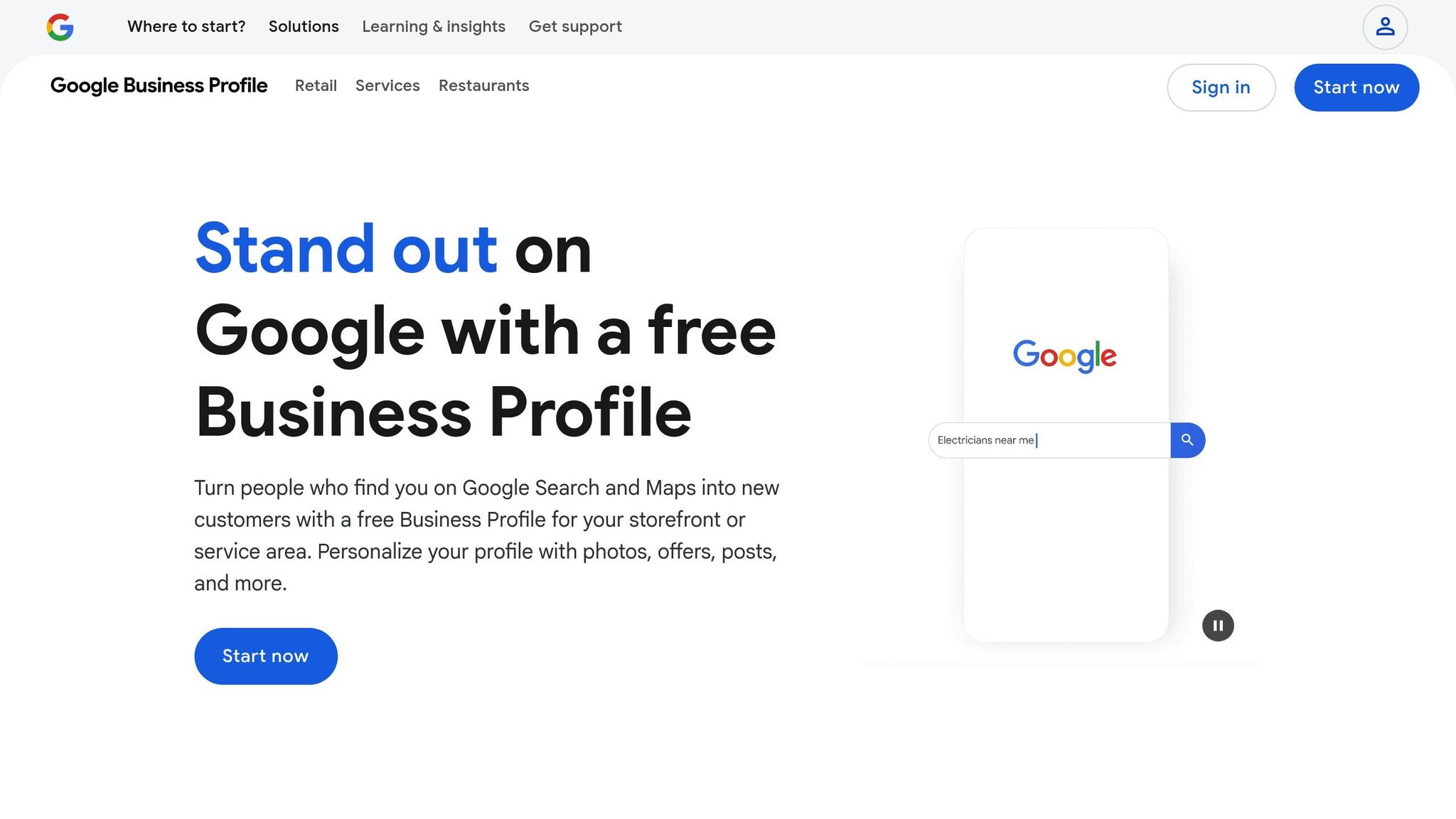
To manage reviews, start by accessing your Google Business Profile. Log in, then navigate to the "Reviews" tab. You can do this through Google Business Manager or by searching for your business directly on Google Maps - just ensure your listing is claimed and verified to unlock review management features.
If you’re working from a mobile device, it’s just as simple. Open the Google Maps app, find your business, and tap the "Reviews" tab.
Within the Reviews section, you can filter and sort reviews by keyword, relevance, recency, or rating level. This makes it easier to focus on specific feedback, such as 1-star reviews. To respond, locate the review, click on it, and select the reply option.
Keep in mind that you cannot delete or edit customer reviews directly through your profile. Only the original reviewer can remove their own comments.
How Review Management Tools Help Your Business
Review management tools, such as CommentAssist, can simplify the process of responding to feedback. These tools often include features like sentiment analysis, pre-formatted response templates, and analytics on review trends. They also centralize feedback monitoring, which is especially helpful for businesses with multiple locations.
6 Steps to Respond to a 1-Star Review
Handling a 1-star review can be tough, but it’s also an opportunity to turn things around. By following these six steps, you can address the feedback effectively, show your commitment to customer service, and even win back the trust of the reviewer. Each step builds on the last to create a thoughtful and professional response.
Step 1: Thank the Customer for Their Feedback
Start by expressing appreciation, even if the feedback stings. Acknowledge their effort in sharing their experience and reference something specific from their review to make your response feel genuine.
You can use phrases like, "Thank you for taking the time to share your feedback" or "We appreciate you letting us know about your experience." Avoid generic or robotic replies that lack a personal touch.
For example, if the review mentions slow service during lunch, you could respond with: "Thank you for sharing your experience during your recent lunch visit. We appreciate you bringing the service delays to our attention."
Step 2: Show You Understand Their Frustration
Next, demonstrate empathy by acknowledging their feelings. This shows you’re taking their concerns seriously and helps build a connection.
Phrases like "We understand your frustration" or "We know this didn’t meet your expectations" work well here. Be specific about the issue they faced to show you’re not glossing over their concerns.
For instance, if they mention waiting 45 minutes for food, you might say: "We understand how frustrating it must have been to wait 45 minutes for your meal, especially when you were expecting a quick lunch."
Avoid dismissive language like, "We’re sorry you feel that way," which can come across as insincere.
Step 3: Address Their Specific Problems
Tackle the issues they’ve raised directly. Acknowledge their concerns, clarify any misunderstandings, and provide honest explanations without making excuses.
If they mention rude staff, you might say: "The behavior you described is unacceptable and doesn’t reflect our standards." If the issue was a dirty restroom, address it directly: "We take cleanliness seriously, and I’m disappointed to hear that our restroom didn’t meet our standards during your visit."
If there were contributing factors, briefly mention them without deflecting responsibility. For example: "We were short-staffed that evening, which unfortunately led to delays. However, that doesn’t excuse the lack of communication you experienced."
If there are inaccuracies in the review, respond diplomatically: "I’ve reviewed our records for that date, and I’d like to discuss your visit further to ensure we address the right concerns."
Step 4: Offer a Solution or Next Steps
Actions speak louder than words, so make sure to offer a clear solution or outline the steps you’re taking to resolve the issue. Avoid vague promises like, "We’ll try harder," and instead focus on specific remedies.
For financial concerns, offer refunds or credits if appropriate: "We’re happy to issue a full refund of $47.50" or "Please accept a $25 credit for your next visit." Non-monetary solutions, such as retraining staff or implementing new procedures, can also show your commitment to improvement.
For example: "We’ve scheduled additional training for our evening staff to ensure better communication moving forward" or "We’re implementing a new quality control system to prevent similar issues in the future."
Step 5: Keep Your Response Professional
Your response is public, so it’s important to maintain a professional tone. Future customers will judge how you handle criticism, so avoid emotional or defensive language.
Stick to neutral, concise language. Aim for 3-4 sentences that include gratitude, empathy, acknowledgment, and a solution. This keeps your response focused and prevents it from sounding like an over-explanation or excuse.
For example: "Thank you for sharing your feedback. We understand how frustrating it must have been to wait for your order, and we’re disappointed that we didn’t meet your expectations. We’ve scheduled additional staff training to address these concerns and improve our service."
Focus on what your business can improve rather than pointing out what the customer may have done wrong.
Step 6: Move the Conversation Private
To resolve the issue fully, invite the customer to continue the conversation privately. Public platforms aren’t ideal for discussing sensitive details like refunds or complex problems.
Provide clear contact information: "Please call us at (555) 123-4567 or email manager@yourbusiness.com so we can resolve this promptly." If phone contact is preferred, include your business hours: "Our manager is available Monday through Friday, 9:00 AM to 6:00 PM EST."
Set expectations for follow-up: "We’ll reach out to you tomorrow morning to discuss next steps" or "You can expect an email from me within two business hours."
This approach ensures the issue is handled thoroughly while showing you’re committed to resolving the problem.
sbb-itb-5375359
How CommentAssist Improves Your Review Management
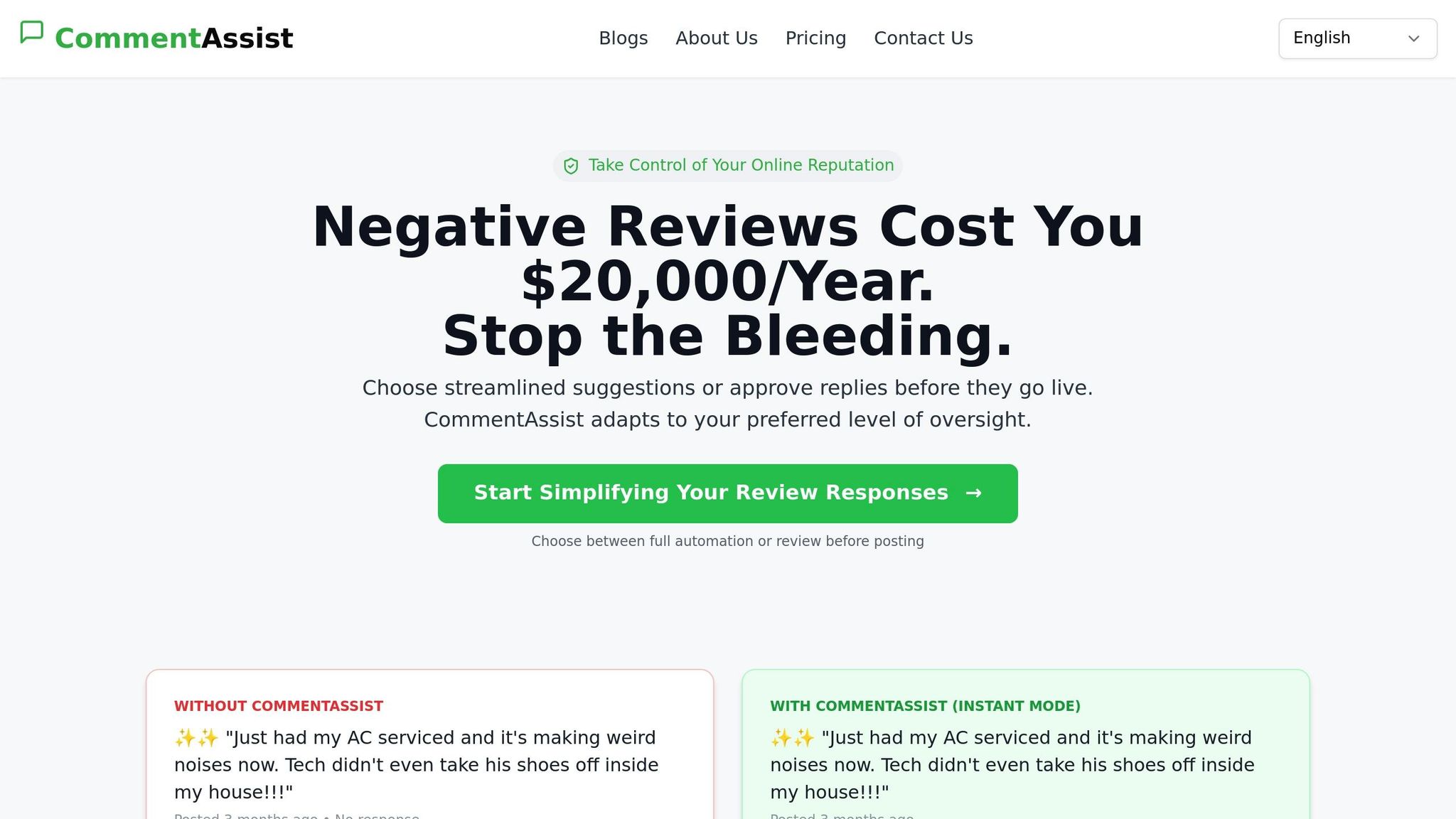
Dealing with negative reviews can feel like a never-ending battle, especially for businesses juggling multiple locations or a high volume of feedback. That’s where CommentAssist steps in, combining AI-driven response tools with your Google Business Profile to simplify the process.
The platform offers automated review monitoring, sending real-time alerts straight to your dashboard. This ensures you’re always aware of new feedback and can address it quickly.
CommentAssist doesn’t just track reviews - it analyzes them. By monitoring reviews across multiple platforms in real time, it helps you respond promptly while also identifying recurring issues in low-rated reviews. This insight allows you to tackle deeper problems head-on. Let’s dive into the key features that make CommentAssist a game-changer for managing reviews.
CommentAssist Features That Save You Time
One standout feature is its AI-powered response generation, which provides suggested templates for addressing negative reviews. These templates follow professional guidelines, giving you a solid starting point and saving you from crafting responses from scratch.
You can also create custom templates tailored to your brand’s voice. These templates are especially handy for common complaints like delays, product issues, or billing errors. For businesses with multiple locations, this ensures consistency in responses while still allowing room for customization.
CommentAssist also offers team tools to streamline collaboration. Assign roles, approve drafts, and ensure responses are timely and coordinated - perfect for businesses with larger customer service teams.
For enterprises, the API access included in the Enterprise plan takes things further by integrating with your existing customer service or CRM systems. This creates a seamless workflow for managing reviews alongside other customer interactions, making service recovery efforts more cohesive.
These features not only save time but also make the process approachable for businesses of any size.
Easy Setup for Any Size Business
Getting started with CommentAssist is quick and straightforward. Integrating your Google Business Profile takes just one click, and the system immediately begins monitoring for new reviews. It’s designed to fit effortlessly into your existing processes.
CommentAssist offers plans tailored to businesses large and small:
- Starter Plan: At $29/month, this plan is perfect for single-location businesses managing up to 100 reviews. It includes basic AI responses to help you stay on top of feedback.
- Professional Plan: For $79/month, growing businesses can handle up to 500 reviews per month. This plan adds Yelp integration, priority email support, and advanced analytics to help you spot trends and improve your services.
- Enterprise Plan: Priced at $199/month, this plan is ideal for large enterprises with heavy review volumes. It includes unlimited review handling, a dedicated account manager, and custom integration options. Plus, 24/7 priority support ensures help is always available when you need it most.
Whether you're running a small business or managing a complex, multi-location operation, CommentAssist adapts to meet your needs, making review management easier and more effective.
Manual vs. AI-Powered Review Responses
When dealing with a 1-star review, you’ll need to decide between the personalized touch of manual responses and the efficiency of AI-powered tools. Let’s break down how these two approaches stack up.
Manual responses allow you to craft each reply with precision, ensuring your brand’s voice shines through and addressing customer concerns in a highly personalized way. This approach is ideal for creating thoughtful, tailored replies, but it can be incredibly time-consuming. Crafting a single response often takes 10–15 minutes, factoring in the time to analyze the review and write a reply. As review volumes increase, this method can feel overwhelming and unsustainable.
On the other hand, AI-powered responses, like those provided by CommentAssist, offer speed and consistency. These tools analyze the content of each review and generate professional replies using proven templates designed to address negative feedback effectively. While AI may lack the nuanced personal touch of manual responses, it ensures no review goes unanswered, even when time or staffing is limited.
For many businesses, a hybrid approach works best: letting AI handle the initial draft while adding custom tweaks to ensure the response feels personal yet efficient.
Side-by-Side Comparison Table
| Method | Speed | Consistency | Scalability | Professional Tone | U.S. Localization |
|---|---|---|---|---|---|
| Manual Responses | 10–15 minutes per response | Varies by writer and mood | Limited by staff availability | Depends on writer's skill | Requires local market knowledge |
| AI-Powered (CommentAssist) | 30 seconds to 2 minutes | Maintains professional standards | Handles unlimited reviews 24/7 | Trained on professional response patterns | Built-in understanding of U.S. business culture |
AI-powered tools bring more than just speed and scalability to the table - they also ensure consistent quality. Scalability is where AI truly shines. While a human team can only handle a finite number of reviews each day, AI-powered systems can process reviews non-stop, making them invaluable for businesses managing a high volume of feedback across multiple platforms.
Another surprising advantage of AI tools is their ability to maintain a professional tone. When faced with harsh criticism, emotions can sometimes cloud judgment, leading to responses that may come across as defensive or overly emotional. AI tools, however, are trained to deliver neutral, professional responses every time.
Finally, U.S. localization is a standout feature of tools like CommentAssist. These systems are designed with American business norms in mind, ensuring they meet expectations for spelling, etiquette, and customer service standards. This means your responses will align with what customers in the U.S. expect from professional communication.
Turn Bad Reviews into Business Growth
A 1-star review doesn’t have to be the end of the world for your business. In fact, negative feedback can be a chance to show your dedication to improvement and win over new customers who appreciate businesses that actively listen and respond. Let’s dive into how addressing criticism can actually fuel your growth.
Quick responses build trust. Replying to a review within 24–48 hours demonstrates that you value customer feedback and are proactive about resolving concerns. A timely and professional response often leaves a stronger impression on potential customers than the original complaint itself.
There’s a proven six-step process for turning negative reviews into opportunities. By following these steps consistently, you’re not just resolving individual issues - you’re also reinforcing your brand’s reputation and reliability.
Tools like CommentAssist make this process even easier. With AI-driven, U.S.-localized templates, CommentAssist helps you craft thoughtful responses quickly, ensuring you never miss that critical response window. As mentioned earlier, mastering the art of review responses can turn even harsh criticism into a competitive edge.
Keep in mind that when people read your Google reviews, they see both the complaint and your reply. A well-thought-out response to a 1-star review can often convince potential customers to give your business a chance. Why? Because it shows you care about resolving issues and providing solutions. This kind of transparency builds credibility in a way that glowing, generic reviews simply can’t.
Successful businesses don’t shy away from criticism - they embrace it as an opportunity. When you respond with professionalism, empathy, and genuine solutions, those negative reviews can become powerful testimonials to your customer service.
Whether you prefer the personalized touch of manual responses or the efficiency of AI tools, the secret lies in responding promptly and professionally every single time.
FAQs
Why is it important to respond quickly to a 1-star review on Google?
Responding quickly to a 1-star review on Google sends a strong message: your business cares about customer feedback and is committed to addressing concerns. A prompt reply can help defuse tension, showcase professionalism, and open the door to rebuilding trust with the unhappy customer.
But it’s not just about the reviewer. How you handle negative feedback can shape the opinions of potential customers. Businesses that actively engage with reviews often come across as more reliable and customer-oriented, which can make a lasting impression and even sway people to choose your services over the competition.
How can I spot and address fake reviews on Google?
Fake reviews often stand out due to a few telltale signs. Look for overly enthusiastic or exaggerated language, repetitive phrases, or vague, generic content. Unusual posting patterns - like multiple reviews popping up in a short period - can also raise suspicions. Additionally, reviews that seem off-topic or include irrelevant details unrelated to your business might be worth scrutinizing.
If you suspect a review is fake, take action by using Google's review flagging system. Google employs advanced tools to investigate questionable activity, such as multiple reviews originating from the same source. While the review removal process can take time, staying patient and maintaining a professional demeanor is essential for preserving your business's reputation.
How can AI tools like CommentAssist help manage negative reviews effectively?
AI tools, such as CommentAssist, make handling negative reviews much easier by speeding up response times and analyzing customer sentiment on a large scale. These tools help businesses spot potential problems early and respond thoughtfully, which can prevent situations from escalating.
They also analyze feedback to reveal patterns and trends, providing insights that can improve services and craft tailored responses. By turning negative reviews into chances for improvement, tools like CommentAssist can boost both your brand's reputation and customer satisfaction.