
Customer reviews are critical for local businesses in the U.S. - they influence purchasing decisions, impact local search rankings, and directly affect revenue. This guide explains how to manage reviews effectively, from setting up profiles to responding to feedback and using analytics to improve performance.
Key takeaways:
- Why reviews matter: 93% of consumers rely on online reviews, and businesses that respond to at least 25% of reviews see a 35% revenue boost.
- Setup tips: Optimize Google Business Profile with consistent Name, Address, and Phone (NAP) details and high-quality visuals.
- Collecting reviews: Request feedback within 24–48 hours of a customer interaction using email, SMS, or QR codes.
- Responding to reviews: Reply within 48 hours, personalize responses, and address negative feedback professionally.
- Using tools: AI tools like CommentAssist help streamline review management and provide analytics to track trends and improve operations.
Local Reputation Management for Multi-location Brands and Franchises | BrightLocal Webinar
Setting Up and Optimizing Review Profiles
Getting your review profiles right from the start is like setting up a polished storefront - it’s your first impression online. These profiles need to look professional, provide accurate details, and make it easy for potential customers to find and trust your business. The goal is to ensure all your profiles work together smoothly across platforms, creating a strong foundation for the strategies we’ll dive into later.
Creating a Strong Google Business Profile
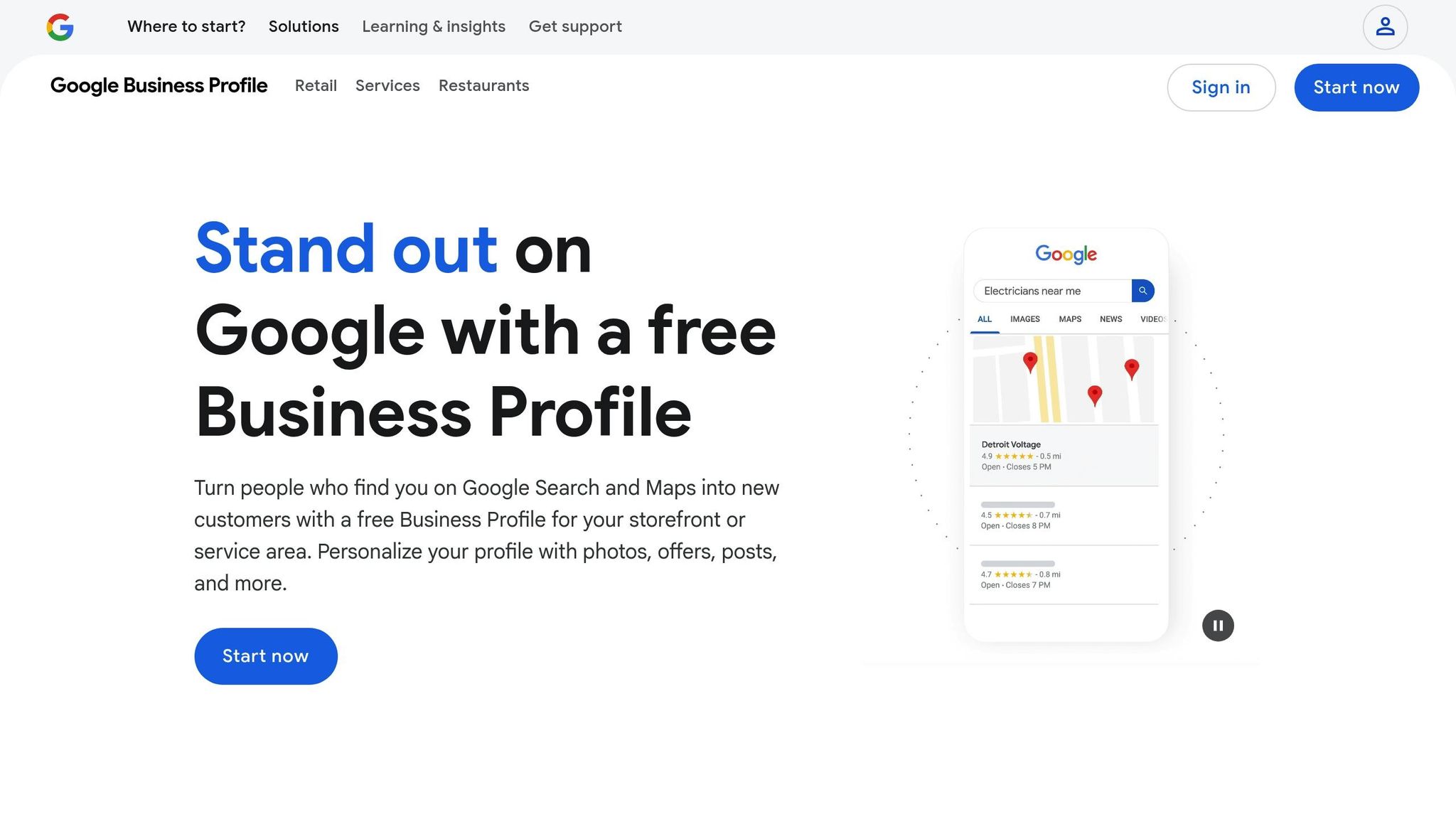
Your Google Business Profile is a cornerstone of your online presence, so it’s crucial to verify and optimize it as soon as possible. Start by claiming and verifying each location through Google’s process, which often involves receiving a postcard with a verification code at your business address.
Once verified, focus on consistency. Your Name, Address, and Phone (NAP) information must match exactly across all platforms. For example, if your address is "123 Main Street", avoid abbreviating it to "123 Main St." This consistency helps Google recognize and trust your business.
Choose the most specific primary category for your business and add relevant secondary ones. For instance, a pizza place might use "Pizza Restaurant" as the primary category and add "Italian Restaurant" and "Delivery Service" as secondary options.
Write a business description tailored to your local audience. Avoid generic language and instead include references to your neighborhood or city. For example, a dental clinic might say: "Providing family-friendly dental care to downtown Sacramento since 2015. Our specialties include preventive care and cosmetic dentistry, with evening appointments available for your convenience."
High-quality visuals are a must. Upload photos of your storefront, interior, and action shots of your services or products. For instance, exterior shots help customers recognize your location, while interior photos and action shots build trust by showcasing your space and offerings.
Keep your business hours updated, especially during holidays or special events. Regularly post updates about new services, seasonal promotions, or community involvement. These posts not only appear in search results but also show that your business is active and engaged with its audience.
Maintaining NAP Consistency Across Platforms
Consistency in your business information is critical. When customers or search engines find mismatched details - like different phone numbers or addresses - it can create confusion and hurt your credibility. In fact, 68% of consumers say they’d stop using a local business if they found incorrect information online.
To avoid this, create a master document with your exact NAP details for each location. Include the full spelling of your business name, complete address format, and primary phone number. Use this document as your reference when setting up profiles on platforms like Google, Yelp, Facebook, and any industry-specific sites.
Even small inconsistencies, like using "Avenue" on one platform and "Ave" on another, can cause problems. Stick to the same abbreviations and phone number formatting across all platforms - such as (555) 123-4567.
Duplicate listings are another common issue. Platforms sometimes create multiple profiles for the same business, which can split your reviews and confuse potential customers. Conduct weekly checks to identify and merge or claim duplicate listings before they become a problem.
The effort pays off. Businesses that maintain accurate, consistent profiles across platforms see up to a 23% increase in calls and direction requests from Google Maps. That’s more customers finding their way to your door because you took the time to get these details right.
To streamline updates, use tools like CommentAssist, which offer centralized dashboards to manage multiple locations. These tools make it easier to update hours, add new services, or change phone numbers across all platforms simultaneously, saving time and ensuring accuracy.
Finally, schedule monthly audits to verify that your information remains correct. Assign team members to review each platform and flag any discrepancies. This proactive approach helps protect your local search rankings and ensures customers always have the right information when they’re looking for you.
Collecting Customer Reviews
Once you’ve set up optimized review profiles, the next step is gathering real, timely customer reviews. This requires reaching out in a way that feels natural and fits seamlessly into the customer experience - all while staying within platform rules.
Best Practices for Requesting Reviews
Timing is everything. Reach out within 24–48 hours after a positive interaction when the experience is still fresh in the customer’s mind. While email remains the go-to method for review requests in the U.S., newer options like SMS and QR codes are quickly gaining popularity, especially with younger audiences. The key is to choose a method that aligns with your customers’ preferences and works well with your business model.
It’s important to keep things honest. Avoid offering incentives like discounts or freebies in exchange for reviews, and never post fake feedback. A simple follow-up email with a direct link to your Google Business Profile or another review platform works best. Keep the message straightforward and easy to act on.
Limit your requests to one per transaction, with a single follow-up if necessary. Overdoing it can annoy customers and reduce response rates. Pay attention to how customers engage with your requests, and adjust your approach as needed to keep things effective.
Customizing Review Requests for U.S. Audiences
In the U.S., a friendly and conversational tone works best. Personalize your messages by addressing customers by name and referencing specific details from their experience or purchase. For example, a local restaurant might say, “Hi Sarah, thank you for dining with us last Friday! We hope you enjoyed the seafood special our chef recommended. If you had a great experience, we’d love to hear about it in a quick Google review.”
Respect for time and privacy is crucial. Always make it easy for customers to opt out of future communications. Also, consider regional preferences: a business in the Northeast might lean toward a slightly formal tone, while one in the South could adopt a warmer, casual style. Keep subject lines short and ensure that review links are mobile-friendly. To make the process even smoother, use automated tools that balance efficiency with a personal touch.
Using Automation to Streamline Review Collection
Automation can make gathering reviews easier and more efficient by automating personalized, timely outreach. Tools like CommentAssist can send messages that feel personal by including customer names and purchase details, ensuring the communication doesn’t come across as robotic.
Set up campaigns triggered by specific customer actions. For instance, an e-commerce store might send a review request three days after confirming delivery, while a service provider might do so right after an appointment wraps up. This ensures your message reaches customers at the right moment - when they’re most likely to respond positively.
Centralized dashboards simplify tracking performance across multiple locations or services. By monitoring metrics like open rates, click-through rates, and how often requests lead to reviews, you can fine-tune your approach for better results.
Automation also helps with responding to reviews. For example, CommentAssist can create response templates tailored to different types of feedback, allowing you to reply quickly while keeping the tone genuine. This is especially helpful for businesses that receive a high volume of reviews each week.
QR codes are another emerging trend in automation, particularly for retail and hospitality businesses. You can add them to receipts, table tents, or service documents to make it easy for customers to leave feedback on the spot. One restaurant chain saw a 30% boost in review volume within six months of adding QR codes to receipts.
To keep automated messages effective, review and update them regularly. Adjust templates for seasonal changes or new services to ensure they stay relevant. Remember, automation should enhance - not replace - the human connection. Use the time saved to focus on delivering outstanding service that naturally encourages great reviews.
sbb-itb-5375359
Responding to Reviews Effectively
Getting customer reviews is just the first step. What you do next - how you respond - can make a big difference in shaping your reputation and building trust with both current and future customers. Every reply is an opportunity to show that you value feedback and are committed to providing excellent service.
Writing Personal and Timely Responses
When it comes to responding to reviews, speed is crucial. Aim to reply within 48 hours of receiving a review. A quick response shows you’re paying attention and can help address any issues before they escalate or influence other potential customers.
Personalization also matters. Address reviewers by name and reference specific details from their feedback. For example, instead of a generic “Thank you for your review,” try something like, “Thank you for your feedback, John. We’re so glad you enjoyed your visit on October 15th.” This small effort reassures customers that you’ve taken the time to read and appreciate their input.
For positive reviews, express genuine gratitude and highlight details from their comments. If a guest raves about a specific dish, you might respond with, “We’re thrilled you loved our chef’s seafood recommendation! Your kind words will definitely make our kitchen team’s day.”
Negative reviews, on the other hand, require a calm and professional approach. Acknowledge the customer’s concerns and offer a solution. For instance: “We’re sorry to hear about your experience on November 2nd. This isn’t the standard we strive for, and we’d love the chance to make it right. Please reach out to us at support@business.com so we can discuss how to improve your next visit.” Keep your tone empathetic and professional, as this can turn a negative situation into a positive impression for others reading the review.
For U.S. audiences, a friendly and approachable tone works best - avoid anything that feels overly corporate. When dealing with sensitive issues, it’s a good idea to invite the reviewer to continue the conversation offline. This protects privacy while showing your commitment to resolving the matter.
If managing a high volume of reviews feels overwhelming, AI tools can help streamline the process without compromising on quality.
Using AI Tools for Review Management
While personalized responses are essential, AI-powered tools like CommentAssist can make managing reviews across multiple platforms much easier. These tools consolidate reviews from sites like Google, Yelp, and Facebook into a single dashboard, ensuring no feedback slips through the cracks and allowing you to monitor response times in real time. For businesses with multiple locations, this approach helps maintain a consistent tone and message across all branches.
CommentAssist doesn’t just centralize reviews - it also analyzes them. It can suggest personalized response drafts tailored to specific feedback, keeping your brand voice intact. You can even create customizable templates for recurring scenarios, ensuring responses feel thoughtful rather than robotic.
Another advantage of these tools is their ability to identify trends in customer feedback. For instance, if several reviews mention slow service at a particular location, the system can flag this issue so you can address it quickly.
Real-time notifications for new or negative reviews ensure you can respond promptly, even outside of regular business hours. By automating parts of the process, you save time while still making every customer feel heard. Plus, tracking metrics like average response time, response rate, and sentiment trends provides valuable insights into how well your review management strategy is working. Fun fact: businesses that respond to at least 25% of their reviews see an average revenue boost of 35% compared to those that don’t.
Using Review Analytics to Improve Performance
Analyzing customer reviews can turn feedback into a powerful tool for improving your business. By breaking down reviews into actionable insights, you can enhance customer satisfaction, fine-tune operations, and ultimately drive revenue growth. Effective review analytics help uncover patterns - highlighting your strengths and exposing areas that need attention. With this data, you can measure performance with precision and make informed decisions.
Tracking Key Metrics and Trends
Pay attention to your average star rating - any noticeable dip should prompt a deeper look. Beyond star ratings, keep an eye on review volume, customer sentiment, and response metrics to understand engagement levels and identify areas for improvement.
Metrics like response rate and response time are equally important. These show how well you’re engaging with customers, which not only builds trust but can also improve local search rankings.
"CommentAssist has transformed how we handle customer feedback. The AI responses are professional and personalized, helping us maintain a 4.8-star rating consistently." - Sarah Chen, Owner, Golden Dragon Restaurant
Tools like CommentAssist make this process easier by consolidating data from platforms like Google, Yelp, and Facebook into one dashboard. Features like sentiment categorization and theme highlighting allow you to spot recurring keywords - such as “friendly staff” or “long wait times” - which can confirm your strengths or flag areas needing attention. Regularly reviewing trends and comparing your metrics to local benchmarks can help you focus your efforts where they matter most.
Analyzing Feedback for Multi-Location Businesses
For businesses with multiple locations, breaking down review data by site provides clearer insights. This approach helps you identify top-performing locations and those that may need additional support.
Take Genesis Counseling as an example. By implementing a structured review management strategy, they increased their review count from 50 to 950 in just two years. Comparing feedback across locations allowed them to adopt successful practices from high-performing sites while addressing challenges at underperforming ones.
Creating location-specific scorecards is another effective way to track performance. If one location consistently excels, analyzing its feedback can reveal practices that could be applied across other branches.
"We've seen a 40% increase in positive reviews since implementing CommentAssist. The AI responses are always professional and helpful." - Jennifer Adams, Principal, Adams Accounting
Segmenting review data can also uncover regional trends. Customers in different areas may have unique preferences, and understanding these differences allows you to adapt your approach to meet local expectations. For instance, setting up automated alerts for location-specific issues - like repeated complaints about cleanliness - enables you to address problems quickly, rather than waiting for a scheduled report.
Finally, regular comparison reports - whether weekly, monthly, or quarterly - ensure that insights from review analytics are consistently translated into meaningful improvements and strategic action. This ongoing process keeps your business aligned with customer needs and competitive in the local market.
Conclusion
Managing local reviews effectively takes a mix of smart strategies, the right tools, and steady follow-through. The steps outlined earlier help establish a strong online reputation, boosting customer trust and driving business growth.
Consistency is the backbone of success here. Setting up a routine for weekly review monitoring, monthly trend analysis, and quarterly audits ensures your approach remains effective as your business changes. For businesses with multiple locations, it's even more important to centralize these efforts while still keeping a local touch to scale operations smoothly.
A well-structured approach to review management can lead to noticeable improvements in your online presence and customer engagement. Instead of treating customer feedback as a problem to fix, this method turns it into an opportunity for growth.
AI-powered tools like CommentAssist can simplify the entire process. These tools automate review collection and responses, while providing detailed analytics. You can choose between full automation or approving responses yourself, ensuring every interaction stays true to your brand’s voice.
Investing in a thoughtful review management strategy pays off in several ways - better local search rankings, stronger customer trust, and higher conversion rates. When you treat reviews as a source of business insight rather than just feedback, they become a powerful marketing tool that grows in value over time. With consistent and strategic management, your customers’ voices can become your greatest asset.
FAQs
How can local businesses keep their Name, Address, and Phone (NAP) details consistent across all platforms?
Maintaining consistent NAP (Name, Address, Phone number) details is crucial for local businesses. Regularly auditing your information across all platforms helps ensure accuracy and keeps everything up-to-date. A centralized management tool can make this task easier by automating updates and keeping your details uniform everywhere. Also, pay close attention to each platform's formatting rules to prevent discrepancies and build trust with your audience.
How can I effectively respond to negative reviews to turn them into positive outcomes?
Responding to negative reviews with care can transform a challenging situation into an opportunity to show your dedication to customers. Start by replying promptly - this signals that you value the feedback and take it seriously. Address the concern with genuine understanding, offer an apology if necessary, and propose a practical solution or compensation if it fits the situation.
Keep your tone professional and empathetic, steering clear of any language that might come across as defensive or dismissive. Invite the reviewer to continue the discussion privately, whether through email or a phone call, to handle the issue on a more personal level. This thoughtful approach not only helps resolve the problem but also demonstrates your commitment to customer satisfaction, leaving a positive impression despite the initial complaint.
How can AI tools like CommentAssist simplify review management for businesses with multiple locations?
AI tools such as CommentAssist simplify the way businesses handle reviews across various locations. By automating responses, these tools ensure feedback is addressed quickly while still feeling personal. This not only saves time but also helps maintain a consistent brand voice and tone.
On top of that, these tools offer real-time monitoring and in-depth analytics. Businesses can use these features to spot trends, pinpoint areas that need attention, and improve customer satisfaction. By making the review process more efficient, companies can dedicate more energy to strengthening customer relationships and keeping their reputation strong across all locations.