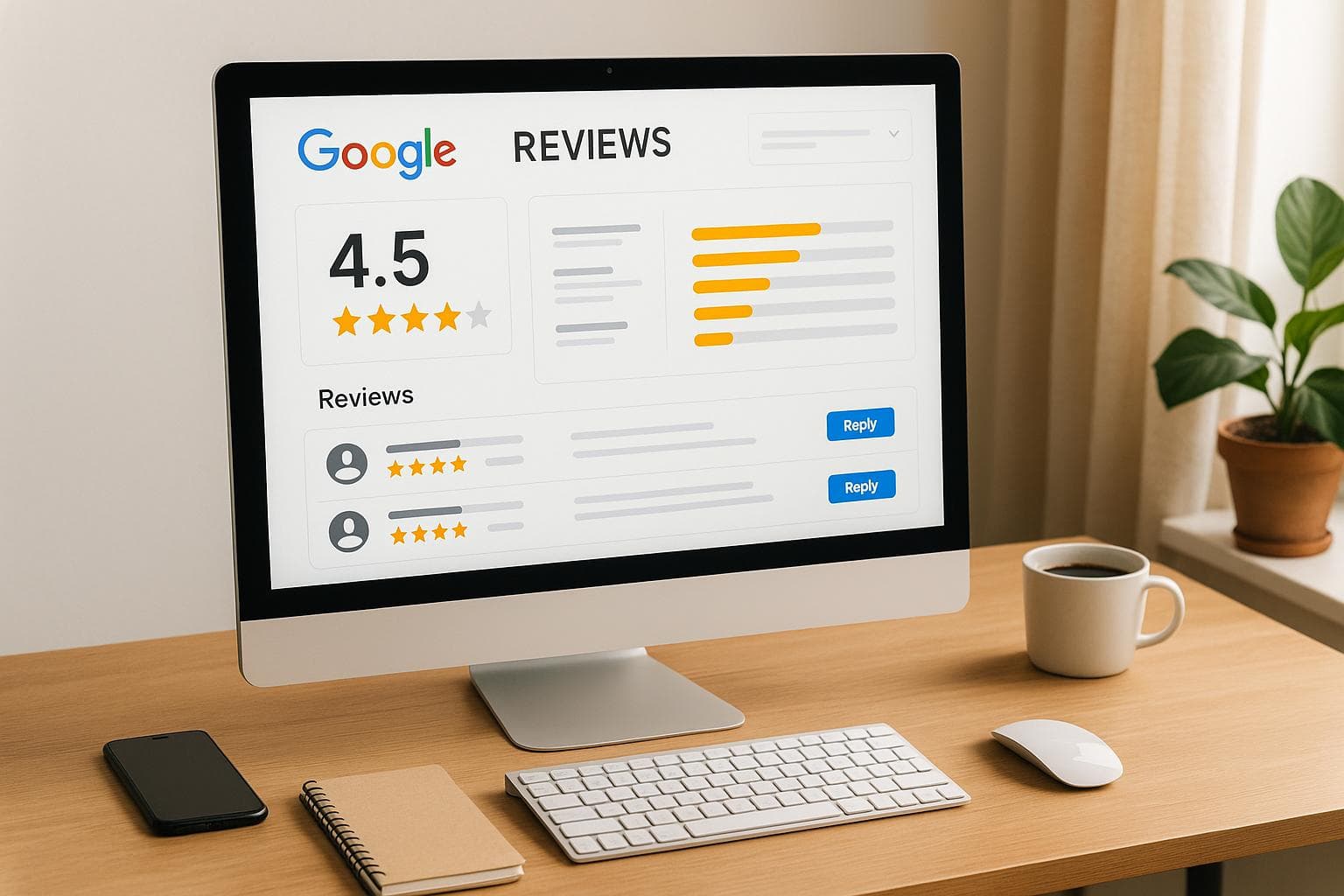
Managing Google reviews is a must for businesses in 2025. Why? Reviews directly impact customer trust, brand reputation, and revenue. But the key isn't just collecting reviews - it's responding effectively. Ignoring negative feedback can hurt your business, while engaging with positive reviews builds loyalty.
To simplify this, tools like CommentAssist, ReviewTrackers, and Podium offer solutions tailored for businesses of all sizes. Here's a quick breakdown:
- CommentAssist: Focuses on AI-crafted responses, Google integration, and affordability. Plans start at $29/month.
- ReviewTrackers: Excels in analytics, sentiment tracking, and multi-platform monitoring. Pricing is custom-based.
- Podium: Prioritizes SMS-based review collection and real-time alerts. Plans start at $289/month.
Each tool serves different needs. Small businesses may prefer CommentAssist for its simplicity and cost. Enterprises managing multiple locations might favor ReviewTrackers for its in-depth insights. Service-based industries relying on SMS communication may benefit from Podium.
Quick Comparison:
| Tool | Best For | Starting Price | Key Features |
|---|---|---|---|
| CommentAssist | Small businesses | $29/month | AI responses, Google integration, team collaboration |
| ReviewTrackers | Enterprises, multi-locations | Custom pricing | Sentiment analysis, multi-platform tracking, analytics |
| Podium | SMS-focused industries | $289/month | SMS review requests, real-time alerts, CRM integration |
Choose the tool that aligns with your business size, budget, and review management goals.
5 Best Software to Help You Get Google Reviews - [Pros & Cons 2023]
1. CommentAssist
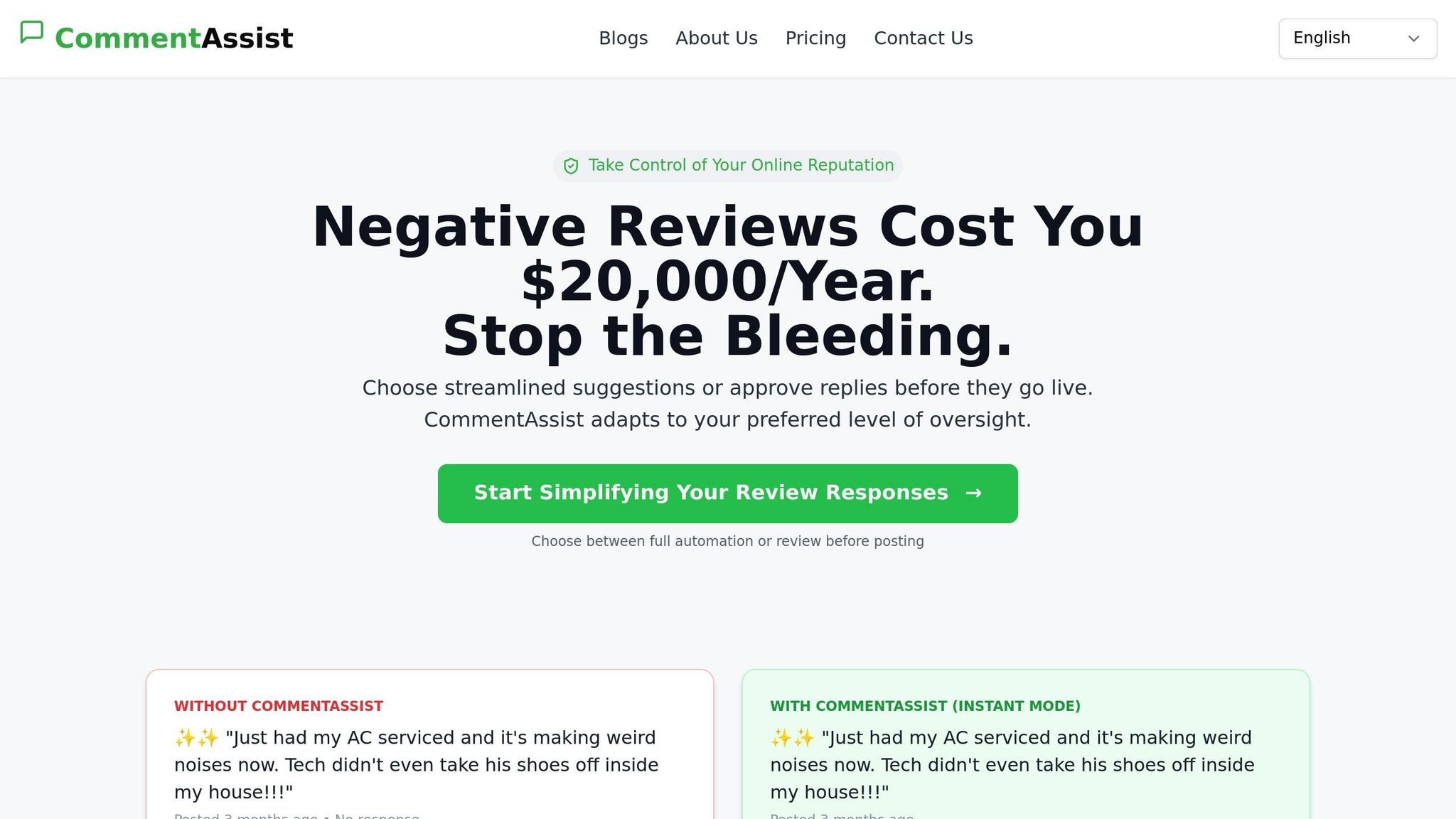
CommentAssist is an AI-driven tool designed to help businesses efficiently manage and respond to Google reviews. It simplifies the process of maintaining a consistent brand voice while allowing your team to focus on more pressing tasks.
Features
- AI-Powered Responses: Automatically craft replies that align with your brand's tone and style.
- Google Business Profile Integration: Handle Google reviews directly from the platform, eliminating the need to juggle multiple tools.
- All-in-One Review Management: Keep track of reviews across various platforms using a single, centralized dashboard.
- Customizable Templates: Create tailored response templates for common scenarios to ensure uniformity and save time.
- Team Collaboration Tools: Assign tasks, manage approvals, and coordinate responses seamlessly within your team.
- API Integration: Connect CommentAssist with your existing CRM or marketing tools to enhance your customer management workflow.
Now, let's take a look at the pricing options tailored to businesses of all sizes.
Pricing
CommentAssist offers three flexible pricing plans to cater to businesses with varying needs:
| Plan | Monthly Price | Review Limit | Key Features | Best For |
|---|---|---|---|---|
| Starter | $29 | 100 reviews | Basic AI responses, Google integration, email support, and basic analytics | Small businesses, single locations |
| Professional | $79 | 500 reviews | Advanced AI responses, Google & Yelp integration, priority support, custom templates, and team collaboration | Growing businesses, multiple locations |
| Enterprise | $199 | Unlimited | Premium AI features, full integrations, 24/7 support, custom dashboard, API access, and a dedicated account manager | Large businesses, high review volumes |
All plans are available on a month-to-month basis, with no setup fees or long-term contracts required.
2. ReviewTrackers
ReviewTrackers is a reputation management tool designed to keep an eye on and analyze online reviews, including those on Google Business Profile. By using data analytics and sentiment tracking, it helps businesses turn customer feedback into meaningful insights.
Features
ReviewTrackers simplifies review management with a variety of useful tools. Its automated monitoring feature keeps track of review mentions and sends real-time alerts when new Google reviews come in. This ensures businesses stay informed and can respond promptly.
The platform's sentiment analysis breaks down reviews into positive, negative, or neutral categories while identifying recurring themes. This helps businesses quickly pinpoint what customers love and what might need improvement. Additionally, competitive benchmarking tools allow companies to evaluate their local performance against competitors.
Customizable dashboards make it easy to visualize key metrics like average ratings, changes in review volume, and response rates. Automated reports can be tailored for different stakeholders - from store managers to executives - with filters for location, time frame, and review source. These features make it easier for businesses to gain insights and measure their performance effectively.
Pricing
ReviewTrackers uses a location-based pricing model that adjusts based on the size of the business. However, the platform does not provide standard pricing details on its website. Interested businesses must contact the sales team to receive a custom quote, which varies depending on the number of locations and selected features.
Pros and Cons
| Advantages | Disadvantages |
|---|---|
| Detailed analytics and reporting tools | Pricing information is not readily available |
| Tracks reviews across multiple platforms | Limited options for automated responses |
| Includes competitive analysis and benchmarking features | Can be challenging for non-technical users to navigate |
| Customizable alerts and notifications | Costs can increase significantly with more locations |
| Strong API for enterprise-level integrations | Focuses more on monitoring than active response management |
ReviewTrackers stands out for its ability to turn review data into actionable insights, making it a great option for businesses that value in-depth customer feedback analysis and competitive benchmarking.
3. Podium
Podium stands out by focusing on text messaging as a key tool for managing reviews. By integrating messaging into its platform, it aims to boost response rates and simplify the review process.
Features
Podium automatically sends SMS invitations for reviews right after a transaction, which often leads to better response rates compared to email. It also provides instant alerts for new reviews, including negative ones, so businesses can act quickly.
The platform offers customizable response templates designed for different types of feedback, ensuring consistent and professional communication. It also integrates seamlessly with CRM and point-of-sale systems to automate review requests. Additionally, Podium supports team collaboration by allowing role-based management of review responses.
This focus on messaging not only simplifies communication but also enables real-time interactions with customers.
Pricing
Podium uses a subscription-based pricing model, starting at around $289 per month for its basic messaging and review management tools. Costs increase depending on the number of locations, team members, and extra features needed. For most businesses, mid-tier plans, which typically range between $400 and $600 per month, are the most practical option.
For enterprise-level needs, pricing is customized based on specific requirements. Additional charges may apply for premium integrations, advanced analytics, or exceeding the platform’s monthly messaging limits.
Pros and Cons
| Advantages | Disadvantages |
|---|---|
| SMS review requests lead to higher response rates | Costs are higher compared to platforms focused solely on reviews |
| Combines messaging and review management in one system | Advanced analytics and reporting are somewhat limited |
| Quick setup with an easy-to-use interface | Monthly message limits may require costly upgrades |
| Strong integration capabilities with business tools | Focus leans more on collecting reviews than analyzing them deeply |
| Real-time alerts for new reviews | May not be ideal for businesses that don’t rely on texting |
Podium is particularly well-suited for service-based industries like healthcare, automotive, or home services, where text messaging is already a preferred method of communication. By combining messaging with review management, it offers a streamlined solution for businesses looking to engage with customers effectively.
sbb-itb-5375359
Benefits and Drawbacks
When choosing a Google review management tool, it’s important to weigh the strengths and weaknesses of each option. Here’s a quick comparison of some popular tools to help you make an informed decision:
| Tool | Key Benefits | Main Drawbacks |
|---|---|---|
| CommentAssist | AI-powered responses save time; budget-friendly pricing; smooth integration with Google Business Profile | Basic plan limits users to 100 reviews per month |
| ReviewTrackers | Tracks reviews across multiple platforms; strong analytics and reporting features; trusted reputation with advanced sentiment analysis tools | Higher cost may challenge smaller budgets; steeper learning curve; some features require technical know-how |
| Podium | SMS-based approach boosts response rates; combines messaging and review management in one platform; integrates well with CRM and POS systems; real-time alerts for quick responses | High price point; messaging limits may lead to costly upgrades; lacks advanced analytics offered by specialized tools; less ideal for businesses not reliant on SMS communication |
Each tool serves different needs. CommentAssist stands out for its affordability and ease of use, making it a great choice for small businesses. ReviewTrackers is a solid pick for enterprises managing multiple locations, thanks to its detailed analytics and multi-platform tracking. Podium shines in industries where SMS communication is key, offering seamless messaging integration - though its premium price tag may deter smaller companies.
Ease of use also varies. CommentAssist keeps things simple with an intuitive interface, reducing the need for extensive training. ReviewTrackers requires a bit more effort to set up but rewards users with deeper insights. Meanwhile, Podium feels natural for businesses already accustomed to text-based communication.
Next, we’ll dive into a detailed breakdown of pricing to refine your options further.
Price Comparison
Here’s a quick look at CommentAssist's pricing plans to help you weigh your options:
| Plan | Monthly Price | Review Limit | Key Features |
|---|---|---|---|
| Starter | $29 | 100 reviews | Basic AI response generation, Google Business Profile integration, email support, basic analytics |
| Professional | $79 | 500 reviews | Advanced AI response generation, Google & Yelp integration, priority email support, custom response templates, team collaboration |
| Enterprise | $199 | Unlimited | Premium AI response generation, all platform integrations, 24/7 priority support, custom analytics dashboard, API access, dedicated account manager |
The Starter plan at $29 per month is ideal for smaller businesses managing up to 100 reviews monthly. It comes with essential AI tools, Google integration, and basic analytics. The Professional plan, priced at $79 per month, is perfect for mid-sized operations, offering support for up to 500 reviews along with advanced templates, team collaboration tools, and integrations with both Google and Yelp. For larger enterprises, the Enterprise plan at $199 per month delivers unlimited review handling, premium support, API access, and a dedicated account manager.
This breakdown makes it easier to choose a plan that fits your budget and operational needs.
Final Thoughts
Selecting the right plan boils down to your business size, budget, and specific needs. Let’s break it down:
- The Starter plan is a great fit for small businesses just diving into reputation management. It offers essential AI-driven responses and Google integration to help you get started.
- The Professional plan caters to growing businesses, providing multi-platform integration to manage reviews across various channels.
- The Enterprise plan is designed for larger operations, offering unlimited reviews and dedicated support - perfect for companies looking for advanced features and faster returns on investment.
The smart move? Start with the plan that matches your current needs and scale up as your business grows. Many businesses find it practical to begin with a basic plan and upgrade over time as their review volume increases. But remember, managing reviews effectively isn’t just about speed - it’s about fostering consistent, professional communication that earns customer trust and fuels growth.
At the end of the day, your choice should reflect where your business stands today and where you want it to go tomorrow. Align your plan with both your present demands and your future aspirations.
FAQs
How can businesses choose the right Google review management tool for their needs?
When selecting a Google review management tool, it's important to focus on features like automation, multi-location management, and customizable reporting. These tools can be especially useful for larger businesses or those operating in niche industries where managing reviews effectively is critical.
It's also worth thinking about how well the tool supports your specific objectives, whether that's gathering better customer feedback or building a stronger online reputation. Taking the time to read user reviews and expert opinions can provide valuable insights to help you choose a tool that fits your business's unique requirements.
What are some challenges of using AI tools like CommentAssist to manage Google reviews?
Using an AI-powered tool like CommentAssist to manage Google reviews can present a few hurdles. A notable challenge is the lack of a personal touch. AI can sometimes miss the mark when it comes to expressing empathy or understanding emotions, which may leave responses feeling a bit detached or robotic to customers.
Another issue lies in the reliance on data quality. If the data feeding the AI is flawed - whether biased or inaccurate - it can result in responses that are off-base or even inappropriate.
Lastly, there’s the matter of transparency in AI decision-making. Many customers appreciate knowing that a real person is behind the responses, as it can build trust and foster a stronger connection. While AI tools are undeniably efficient, businesses should aim to strike a balance by incorporating human oversight to keep interactions genuine and meaningful.
How do the pricing plans for tools like CommentAssist impact small businesses with tight budgets?
The pricing for tools like CommentAssist generally comes in tiered plans. Basic plans are often priced between $29 and $50 per month, while premium options can go beyond $100 monthly. For small businesses working with tight budgets, these costs might feel like a hurdle - especially since many advanced features are only accessible in the higher-priced tiers.
Although there are more budget-friendly plans available, they usually offer fewer features. This could limit a small business's ability to effectively manage and improve their online reviews. Striking the right balance between cost and functionality is crucial to getting the most value without straining financial resources.