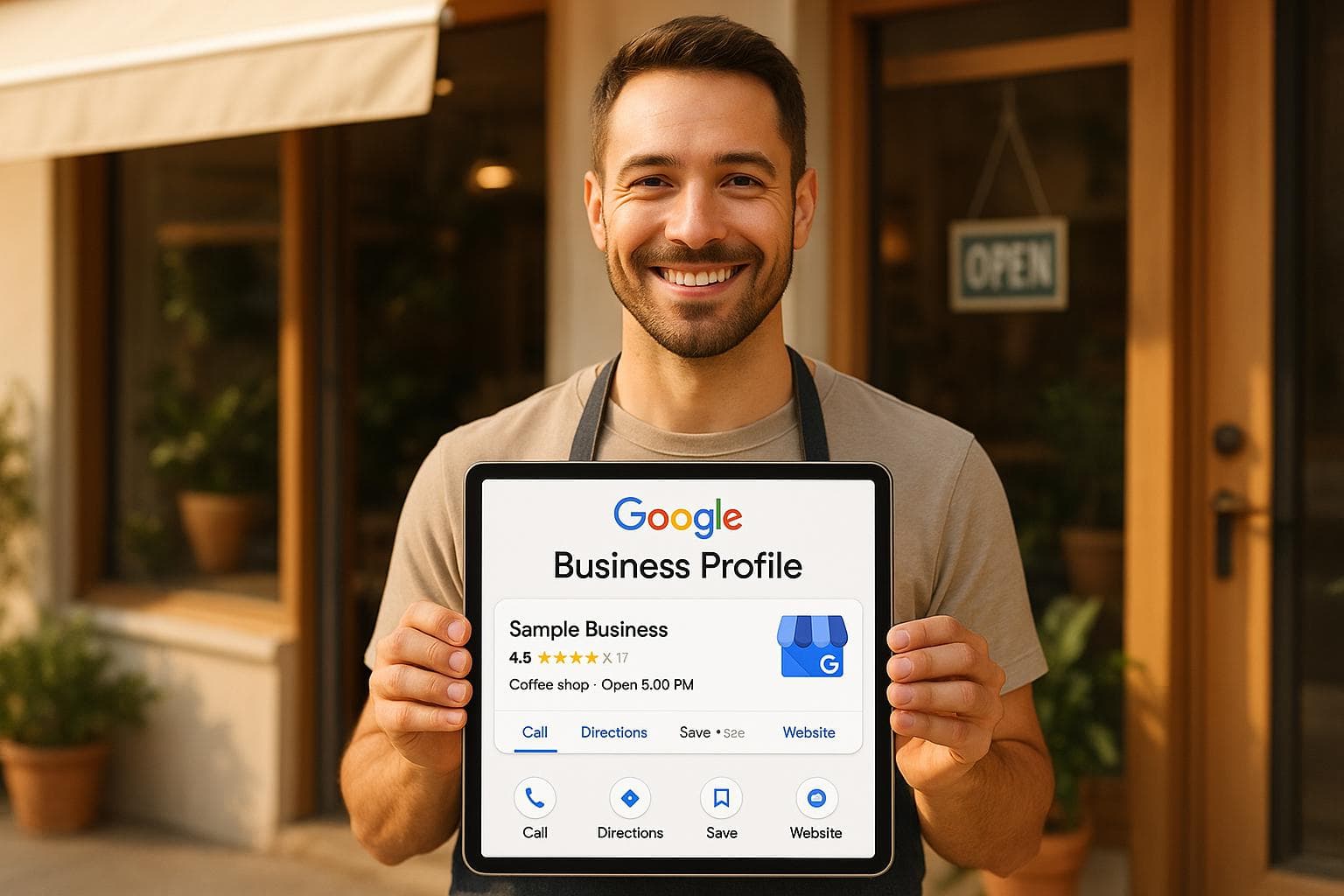
Your Google Business Profile is one of the most critical tools for improving local SEO and attracting nearby customers. It helps your business appear in local search results and on Google Maps, making it easier for people to find and contact you.
Here’s a quick breakdown of how to optimize your profile:
- Claim and Verify Your Profile: Verified profiles get 70% more local traffic and 50% more engagement. Use Google’s verification methods like postcards, phone, or email.
- Provide Accurate Information: Keep your business name, address, phone number (NAP), and hours consistent across all platforms. Choose the right primary and secondary categories to maximize visibility.
- Use Local Keywords: Add location-specific keywords naturally in your business description, posts, and services to improve search rankings.
- Engage with Reviews: Respond to customer reviews promptly. Businesses that engage with reviews see higher trust and revenue.
- Add Photos and Updates: Profiles with photos get 42% more direction requests and 35% more clicks. Regularly upload high-quality images and post updates to stay active.
How To Optimize A Google Business Profile (Free Checklist For 2025)
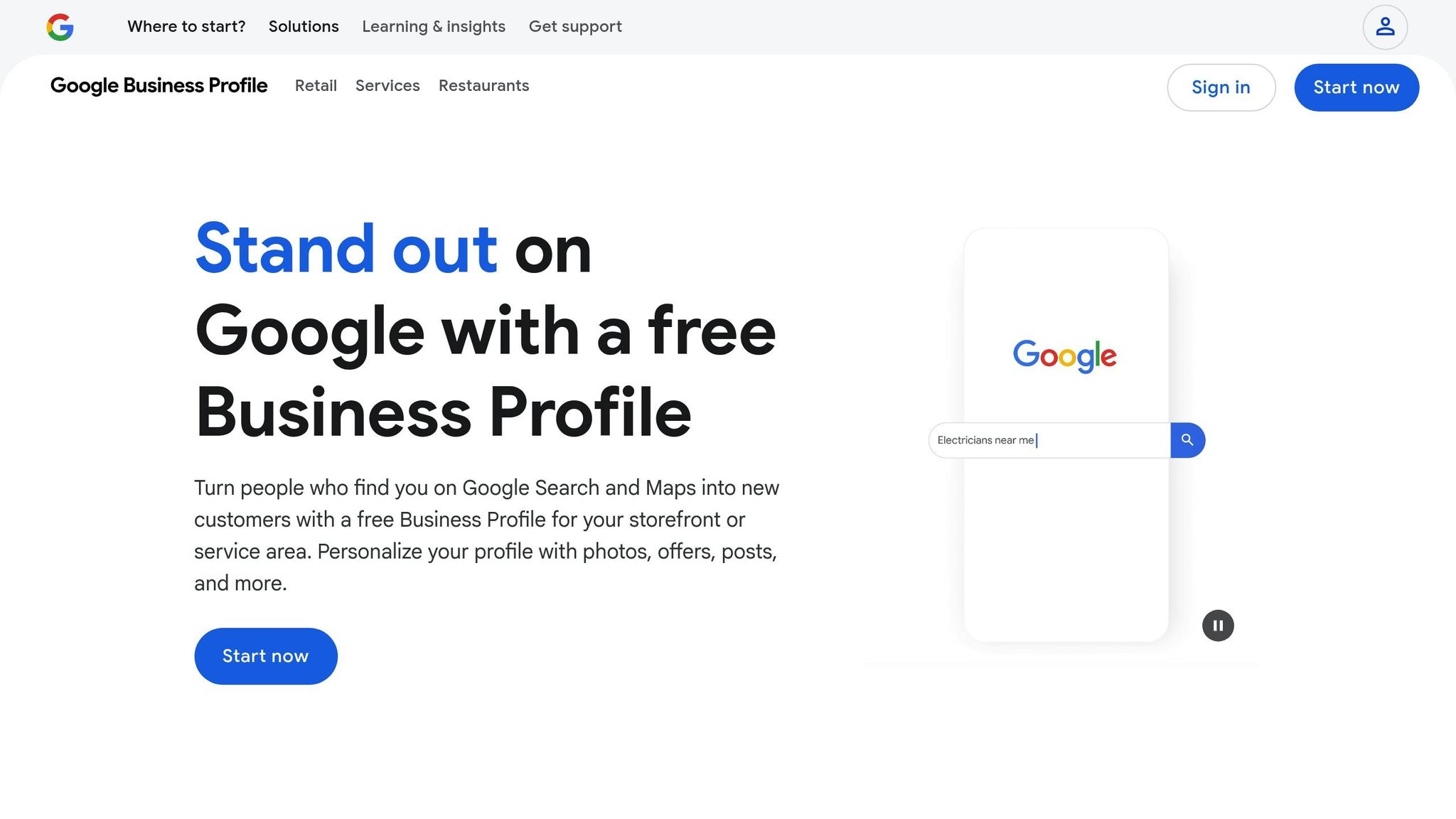
How to Claim and Verify Your Google Business Profile
Claiming and verifying your Google Business Profile is crucial to show up in local searches and on Google Maps - key for connecting with nearby customers.
Verified profiles are 70% more likely to attract local search traffic and see 50% more engagement through calls, website visits, and directions compared to unverified listings. These numbers highlight why verification is a must for businesses aiming to stand out locally.
Steps to Claim Your Business Listing
Start by searching for your business name on Google. If it appears in search results or on Google Maps, look for the "Claim this business" or "Own this business?" link. Clicking this will guide you through the claiming process via Google Business Profile Manager.
If your business doesn’t show up, you’ll need to create a new listing. Go to business.google.com and select "Manage now." Google will then walk you through entering your business details step by step.
Before starting, gather all essential information: your business name, full address (e.g., "123 Main St, Anytown, CA 90210"), phone number (e.g., (555) 123-4567), website URL, business email, and your primary business category.
Make sure your address follows the standard US format - street number and name, city, state, and ZIP code. Your phone number should also use the US format, like (555) 123-4567. These details must match public records and any other online directories to avoid delays during verification.
Choosing the right primary business category is critical. Google offers an extensive list, so select the category that best describes your main service or product. You can add up to nine secondary categories later, but the primary one has the most impact on search visibility.
If someone else has already claimed your listing, you can request ownership through Google Business Profile Manager. Google will contact the current owner, and if they don’t respond within seven days, you’ll gain access. Providing legal documentation can help resolve disputes faster.
Verification Methods and Common Issues
Google uses several methods to verify businesses, with postcard verification being the most common for physical locations. After submitting your business details, Google will send a postcard with a verification code to your address. This typically arrives within 5-7 business days.
| Verification Method | How It Works | Best For |
|---|---|---|
| Postcard | Code mailed to your business address | Physical storefronts and offices |
| Phone | Automated call or SMS with a code | Businesses with publicly listed phone numbers |
| Verification link sent to your business email | Select businesses with verified emails | |
| Instant | Automatic for some Search Console users | Websites already verified with Google |
Phone and email verification are available for certain businesses that meet Google’s criteria. Phone verification involves receiving an automated call or text with a code, while email verification sends a clickable link to your business email.
Instant verification is possible for businesses whose websites are already verified in Google Search Console and match their business details. In some cases, Google may use video verification, which involves a live video call to confirm your business location and operations.
Common issues during verification include postcards not arriving, incorrect business details, or verification codes expiring. If your postcard doesn’t show up within 14 days, you can request a new one through your Google Business Profile dashboard.
Address discrepancies are a frequent cause of verification problems. Double-check that your address matches official documents, utility bills, and public records exactly. Even minor differences, like using "St." instead of "Street", can cause delays.
Keep an eye on your mailbox. If the postcard gets lost or delayed, request another one. Remember, the code must be entered within 30 days to avoid expiration.
Once your business is verified, complete your profile promptly by adding accurate hours, photos, and a detailed business description. Consistency across all online platforms is critical to maintaining your verified status and improving your local search rankings. Keep your information up to date to continue reaping the benefits of enhanced visibility.
With verification complete, you’re ready to optimize your profile and start engaging with customer reviews.
How to Optimize Business Information and Categories
Accurate business details and proper categorization can significantly improve local search performance. Businesses with complete profiles see 70% more visits to their locations and 50% more purchases. Keeping your information consistent not only signals Google that you’re relevant for local searches but also strengthens your reputation management.
How to Choose the Right Business Categories
Your primary category should clearly describe your main business activity - not what you aspire to be. This helps Google understand your business and decide which searches to display you in.
With over 4,000 categories available on Google, you can be very specific. For instance, if you own a bakery, select "Bakery" as your primary category instead of broader options like "Restaurant" or "Food & Beverage Company." Secondary categories allow you to showcase additional services or products. That same bakery could add "Coffee Shop" if it serves espresso or "Catering Service" if it handles events.
Take time to research competitors in your area. Look at businesses similar to yours and note the categories they use. If several successful bakeries list "Wedding Cake Shop" as a secondary category, it might be worth adding if you offer that service.
The primary category you choose also determines the attributes available for your profile. For example, a restaurant might have options like "outdoor seating" or "reservations", while a retail store might offer "wheelchair accessible" or "free Wi-Fi".
| Business Type | Primary Category | Secondary Categories | Key Attributes |
|---|---|---|---|
| Auto Dealership | Subaru Dealer | Car Dealer, Car Maintenance | Test Drives, Financing, Service |
| Home Goods Store | Furniture Store | Home Decor, Mattress Store | Delivery, Assembly Service |
| Mexican Eatery | Mexican Restaurant | Bar, Takeout Restaurant | Outdoor Seating, Reservations |
Stick to categories that genuinely represent your business. Misleading categories violate Google’s guidelines and can harm your rankings. If you update your categories, Google may require re-verification to confirm accuracy.
Once your categories are set, ensure all other business details align to boost your local search presence.
How to Keep Business Details Accurate and Consistent
Your category choices should be supported by accurate and consistent business details across all platforms. Use your official business name exactly as it appears on legal documents. Avoid adding promotional phrases like "Best Pizza in Chicago" or "Affordable Plumbing Services" - Google may suspend accounts for keyword stuffing in business names.
Ensure your address and phone number are formatted the same way everywhere. For example, write your address as "456 Oak Avenue, Springfield, IL 62701" and your phone number as "(555) 987-6543" across all online platforms.
Keep your hours updated, including holiday schedules. Incorrect hours can frustrate customers who arrive to find your business closed. Update your hours promptly for holidays or special events.
If you operate a service area business, list all cities within your service radius. For example, a plumber serving Chicago and nearby suburbs should include each city to improve visibility in local searches.
Write a clear business description with relevant keywords naturally integrated. Use the maximum character limit to explain what you do, what sets you apart, and what customers can expect - just don’t overdo it with keywords.
Add attributes that highlight your business features, like "wheelchair accessible", "free Wi-Fi", "outdoor seating", or "accepts credit cards." These details help potential customers quickly understand your offerings and make your listing stand out in search results.
Regularly audit your information. Compare your Google Business Profile to your website, social media accounts, and online directories at least once every quarter. If you find inconsistencies, update all platforms to reflect the correct information.
Inconsistent NAP (Name, Address, Phone number) details can hurt your rankings and reduce customer trust. Anytime your business details change - whether it’s a new phone number, updated hours, additional services, or a new location - update your profile immediately to avoid confusion for both customers and search engines.
How to Use Keywords for Better Local Search Visibility
Local keywords are search terms that include both geographic locations and specific service descriptors related to your business. Using these strategically can help your Google Business Profile show up when potential customers search for services in your area, making your business more visible in local searches. By placing these keywords thoughtfully, you can attract more local customers. Here's how to identify and use them effectively.
How to Find Local Keywords
Start by figuring out the exact terms your customers use to search for businesses like yours. Tools like Google Keyword Planner, Semrush, and Ahrefs can help you uncover keywords with high local search volume. These tools show you the actual phrases people are searching for, which can be more accurate than guessing.
Another great tip is to use Google's autocomplete feature. For example, type in a query like "bakery in Austin", and you'll see suggestions such as "bakery in Austin TX", "custom cakes Austin", or "gluten-free bakery Austin." These suggestions come directly from popular user searches and can give you valuable keyword ideas.
Google Trends is another resource that lets you compare the popularity of different terms in your area. Additionally, check Google Analytics and Search Console to see which search queries are already driving traffic to your site. If you notice a recurring search term like "emergency plumbing Dallas", that’s a clear sign it’s worth targeting.
Don’t overlook your competitors’ profiles or feedback from your own customers. These can reveal keyword variations you might not have thought of. Combining location-specific terms (like "plumber in Dallas") with service-specific ones (like "drain cleaning" or "emergency plumbing") ensures you cover both broad and niche searches.
Where to Place Keywords in Your Profile
Your business description is one of the best places to include keywords. Google gives you up to 750 characters, but the first 250–300 characters are the most visible in search results, so focus on adding your most important keywords there.
For instance, a bakery in Austin might write:
"Austin's premier bakery offering fresh artisan bread, pastries, and custom cakes. We specialize in wedding cakes, birthday celebrations, and daily-fresh sourdough bread for the Austin community."
This kind of description not only highlights services but also reinforces local relevance with targeted keywords.
Beyond your description, sprinkle local keywords throughout your services, products, and posts. For example, use phrases like "Birthday cakes Austin", "gluten-free pastries Austin", or "custom wedding cakes Central Texas." Even your posts can include keywords, such as:
"Try our new sourdough bread in Austin this weekend!" or "Now offering gluten-free options for Austin families."
Don’t forget to add keywords to your attributes and services fields. This helps Google better understand what you offer and where you’re located.
However, always prioritize writing for people, not just search engines. Keep your descriptions and posts engaging and helpful rather than cramming in keywords. Overusing keywords or creating overly promotional content can backfire, as Google’s guidelines discourage such practices.
To ensure your profile stays effective, monitor its performance using Google Business Profile Insights. Keep an eye on metrics like profile views, search impressions, and customer actions. Review and update your local keywords regularly - ideally every quarter or whenever you notice shifts in customer behavior or local search trends.
sbb-itb-5375359
How to Manage Customer Reviews and Online Reputation
Customer reviews play a huge role in shaping your local search rankings and can heavily influence whether someone decides to visit or contact your business. Here's a striking fact: businesses with over 50 reviews and an average rating above 4.0 are 63% more likely to attract local customers.
The stats make it clear why managing reviews is critical. A 2024 survey found that 87% of consumers read online reviews for local businesses, and nearly half (48%) only consider businesses with ratings above 4 stars. Plus, businesses that actively respond to reviews see a measurable impact - on average, they earn 12% more revenue.
Google’s algorithm doesn’t just look at the quantity of reviews; it also factors in their quality, how recent they are, and how engaged the business is with customer feedback. For instance, businesses that respond to reviews are 1.7x more likely to be seen as trustworthy by consumers. Google also places more weight on recent, detailed reviews when determining local search rankings. Managing reviews effectively not only boosts your visibility but also builds trust with potential customers. Let’s explore how you can generate more reviews and respond to them strategically.
How to Get More Reviews and Respond Effectively
The best time to ask for reviews is right after a positive interaction with a customer - when their experience is still fresh. You can do this through follow-up emails, text messages, or even in-person requests at checkout.
Here’s a real-world example: A pizza shop improved its rating from 3.8 to 4.5 stars, which led to a 22% increase in foot traffic.
Make it simple for customers to leave reviews by sharing direct links to your Google Business Profile review page. You can add these links to email signatures, receipts, or even display QR codes at your location. Train your team to naturally bring up review requests during customer interactions. However, steer clear of offering incentives - Google explicitly prohibits this and may penalize your business if caught.
When responding to reviews, aim for a 24–48 hour turnaround. Use clear, professional language tailored to the feedback. For positive reviews, thank customers for specific compliments and invite them to return. For negative reviews, acknowledge the issue, apologize if necessary, and offer to resolve the problem offline.
Surprisingly, negative reviews can actually improve your business’s reputation - if handled well. A thoughtful response shows accountability and reassures potential customers that you care about resolving issues. Avoid defensive or generic replies; each response should address the specific concerns raised.
If managing reviews manually becomes too time-consuming, automated tools can help streamline the process.
How CommentAssist Automates Review Management
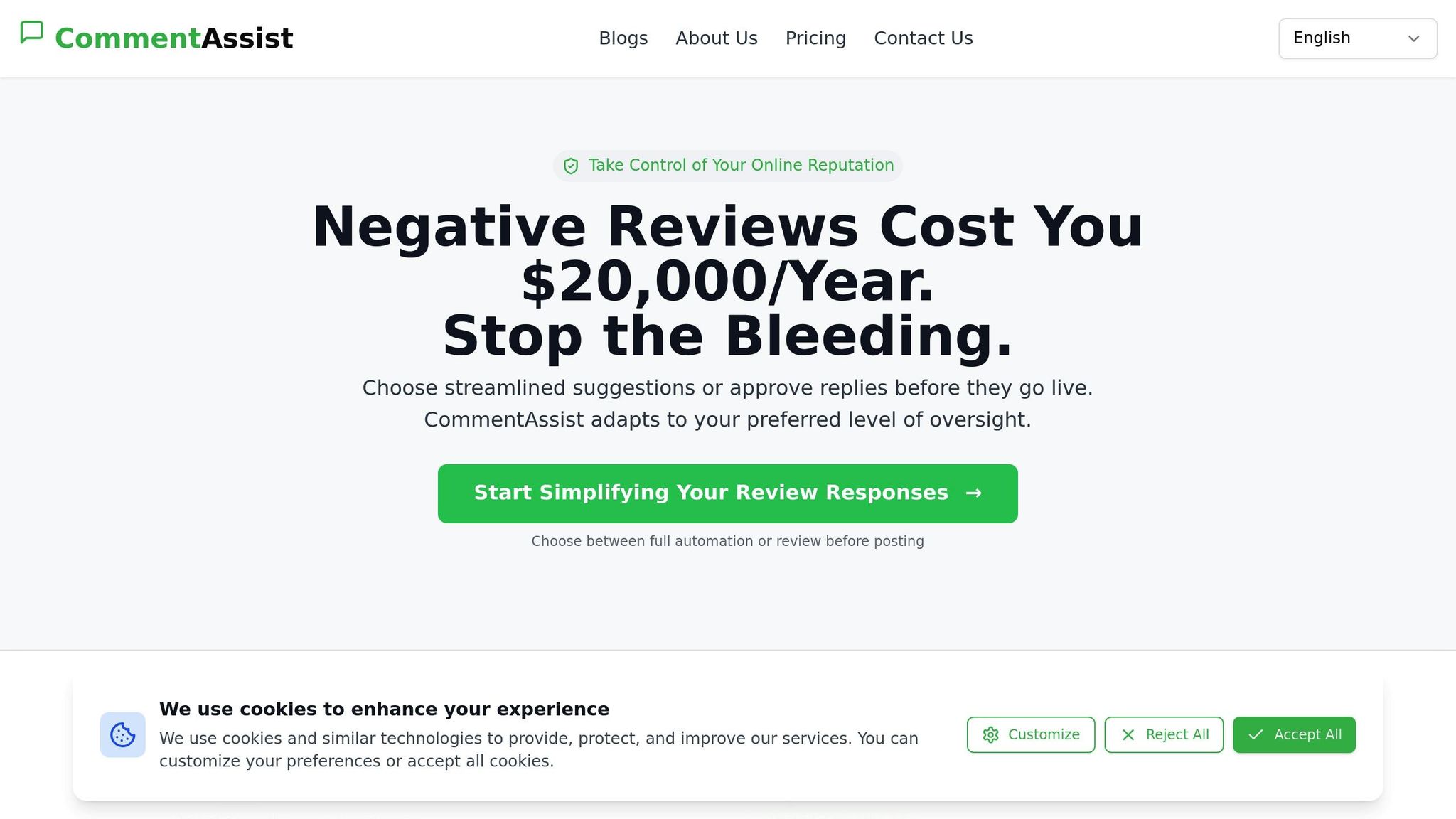
As your business grows, keeping up with reviews manually can become a challenge. That’s where tools like CommentAssist come in. This AI-powered platform automates personalized, on-brand responses to customer reviews and monitors your Google Business Profile around the clock. This ensures you never miss a review and can maintain quick response times.
For example, Sunshine Dental in Austin reduced their average response time from 48 hours to under 6 hours after adopting CommentAssist. They also saw a 40% increase in review volume and a 19% boost in new patient inquiries.
CommentAssist doesn’t just handle responses - it provides valuable analytics to help you spot trends, understand customer sentiment, and identify areas for improvement. One business using CommentAssist reported saving $20,000 in revenue for an investment of just $1,788 in review management. Another saw a 40% rise in positive reviews.
The cost of neglecting reviews can be steep. Negative reviews can cost a business around $20,000 annually. Losing just one $500 job per week due to bad reviews could mean $26,000 in lost revenue each year. CommentAssist helps prevent these losses by ensuring every review gets a timely, professional response, showing customers that you value their feedback and are committed to quality service.
Plans for CommentAssist start at just $29 per month.
How to Add Photos, Videos, and Updates to Your Profile
Adding visual content to your Google Business Profile can make a big difference in how potential customers perceive your business. Businesses with photos see 42% more requests for directions and 35% more clicks to their websites than those without them. Regularly updating your profile with fresh visuals and timely posts also shows activity, which can boost your local search performance.
The goal is to upload high-quality media that accurately represents your business and to keep your profile current with engaging updates.
How to Add High-Quality Photos and Videos
First, ensure your photos and videos meet Google's technical requirements. Photos should be at least 720 x 720 pixels and saved in JPG or PNG format. Videos should be in MP4 format, under 30 seconds long, and no larger than 75 MB.
To upload, log into your Google Business Profile dashboard, click the "Photos" tab, and use the "Add photo" or "Add video" button to select files from your device. Focus on showcasing various aspects of your business - your storefront, interior spaces, staff, products, and services in action.
Quality matters. Use natural lighting when possible, and avoid blurry or pixelated images. Ensure your photos are clear, well-composed, and relevant to your business. While smartphone cameras can work, avoid using stock photos or heavy filters.
Experts suggest uploading at least five photos per category, such as exterior shots, interior views, product images, and staff photos. Refresh these images monthly to keep your profile looking active. Businesses that consistently update their visuals often see more profile views and customer inquiries.
Encourage your customers to upload their own photos of your business, products, or services. These user-generated images add authenticity and often appear prominently on your profile.
When uploading, optimize your image file names with relevant keywords and location details. While Google might strip some metadata, descriptive filenames like "downtown-bakery-fresh-bread.jpg" can still help.
Beyond photos and videos, regular posts can keep your profile dynamic and engaging.
How to Create Posts That Drive Engagement
Posts on your Google Business Profile allow you to share timely updates directly with potential customers. These posts appear in your profile and local search results, making them a great way to stay visible and relevant.
Posts expire after seven days, so frequent updates are key. Focus on content that offers immediate value, such as special promotions, upcoming events, product launches, or seasonal deals. Posts featuring clear calls-to-action, eye-catching visuals, and timely information tend to perform best.
To create a post, go to your Google Business Profile dashboard and select the "Posts" section. Choose from different types, like offers, events, products, or general updates. Add photos or videos to make your posts stand out, and write descriptions that encourage action.
Be sure to use familiar formatting, like MM/DD/YYYY for dates, and include dollar signs ($) when mentioning prices. For example, a restaurant could promote Memorial Day weekend specials, or a retail store might highlight back-to-school deals in August.
Track your post performance in the "Insights" section of your Google Business Profile. Analyze which posts generate the most clicks, calls, and direction requests, then adjust your strategy based on what works. This data helps you understand what connects with your local audience and refine your approach over time.
Consistency is more important than perfection. Regularly posting authentic, helpful content will resonate more than sporadic, overly polished updates that don’t reflect your business’s true personality.
Key Steps for Google Business Profile Optimization Success
Keeping your Google Business Profile up-to-date is an essential way to improve local search visibility and build trust with your customers.
Start by scheduling regular monthly audits to ensure that all the details on your profile - like business hours, phone number, service areas, and holiday schedules - are accurate. Even small inconsistencies can negatively impact your local rankings. For instance, a local restaurant that consistently updated its menu, shared weekly photos of new dishes, responded to every review, and kept its hours accurate saw a 30% increase in profile views and a 20% rise in customer calls over just three months. Another key factor is selecting the right business categories. Your primary category should reflect your main service, while secondary categories can highlight additional offerings.
Beyond audits, refining your business categories is an ongoing task. With over 4,000 categories to choose from, selecting the right ones ensures your profile aligns with what your customers are searching for. Your primary category should define your core service, while secondary categories help showcase your other strengths.
Managing reviews effectively is another cornerstone of a strong profile. Businesses that actively respond to reviews tend to generate higher revenue, and ignoring negative feedback can deter potential customers. Tools like CommentAssist can make this process easier. Its AI-powered platform automates review responses while maintaining your brand’s tone, ensuring no customer interaction goes unnoticed.
"CommentAssist has transformed how we handle customer feedback. The AI responses are professional and personalized, helping us maintain a 4.8-star rating consistently", says Sarah Chen, Owner of Golden Dragon Restaurant.
Keeping your profile fresh is equally important. Regularly uploading high-quality photos, videos, and posts not only grabs attention but also signals to Google that your business is active and trustworthy. Use local keywords naturally in your business description and posts to align with the terms your customers are searching for.
Lastly, automated tools can simplify your workflow. For example, CommentAssist offers tailored plans for businesses of all sizes, making it easier to manage reviews efficiently. Investing in automation saves time and ensures your business stays responsive, which ultimately protects your revenue.
FAQs
How can I keep my Google Business Profile accurate and consistent across all platforms?
Keeping your Google Business Profile up-to-date is crucial for accuracy and consistency. Regularly check and update essential details like your address, phone number, and website. It’s important that this information matches perfectly across all platforms - this helps prevent confusion and can boost your local search rankings.
Another key factor is maintaining a strong online reputation. Responding to customer reviews quickly and professionally not only builds trust but also shows potential customers that you value their feedback. Tools like CommentAssist can streamline the process by helping you manage reviews efficiently, ensuring you stay consistent and responsive in your online interactions.
How can I use local keywords in my Google Business Profile to boost local search rankings?
To make the most of local keywords on your Google Business Profile, start by figuring out the specific terms your audience is likely to search for in your area. These keywords should naturally fit into your business description, services, and posts. For instance, if you own a bakery in Austin, Texas, you might use phrases like "Austin artisan bakery" or "best cupcakes in Austin" to attract local customers.
It’s also crucial to ensure your business name, address, and phone number (NAP) are accurate and consistent across all platforms. This consistency helps Google connect your profile to local searches. Keep your profile fresh by regularly adding posts, photos, and promotions to engage both users and search engines.
To take it a step further, tools like CommentAssist can help you manage customer reviews effectively. A strong online reputation plays a big role in boosting your visibility in local search results.
How can I get more customer reviews and handle negative feedback effectively on my Google Business Profile?
Providing top-notch service is the first step to encouraging more customer reviews. When customers are happy, don't hesitate to politely ask them to share their experience. Make the process effortless by offering a direct link to your Google Business Profile review page - convenience can go a long way.
Handling negative feedback requires a thoughtful approach. Respond quickly and professionally, addressing the issue head-on. Acknowledge the customer's concerns, offer a sincere apology if needed, and propose a solution to make things right. This not only helps mend the relationship but also demonstrates to future customers that you genuinely value their experience and take feedback seriously.
For a smoother workflow, consider leveraging tools like AI-powered review management platforms. These tools can automate responses and provide helpful insights, making it easier to maintain a strong and positive online reputation.